
Seven Ways To Repurpose AI Images Into More Content
Repurposing AI-generated images opens up all kinds of possibilities for content creators.
AI can whip up unique art styles, visuals, and assets in just seconds, but figuring out how to get more value from a single image takes a bit of creativity. I’ve spent time testing these tricks to help get the most mileage out of my AI art, no matter what niche I’m in.
Here are seven practical and creative ways to turn one AI image into a whole bunch of useful content pieces. Along the way, you’ll see how squeezing value from a single digital asset can streamline your workflow, inspire new ideas, and make every project more visually appealing.
These ideas are perfect for bloggers, marketers, small business owners, or anyone looking to make their content process more efficient and a lot more fun. There’s no single “right” way; pick a few ideas that best fit your goals and style, then run with them.
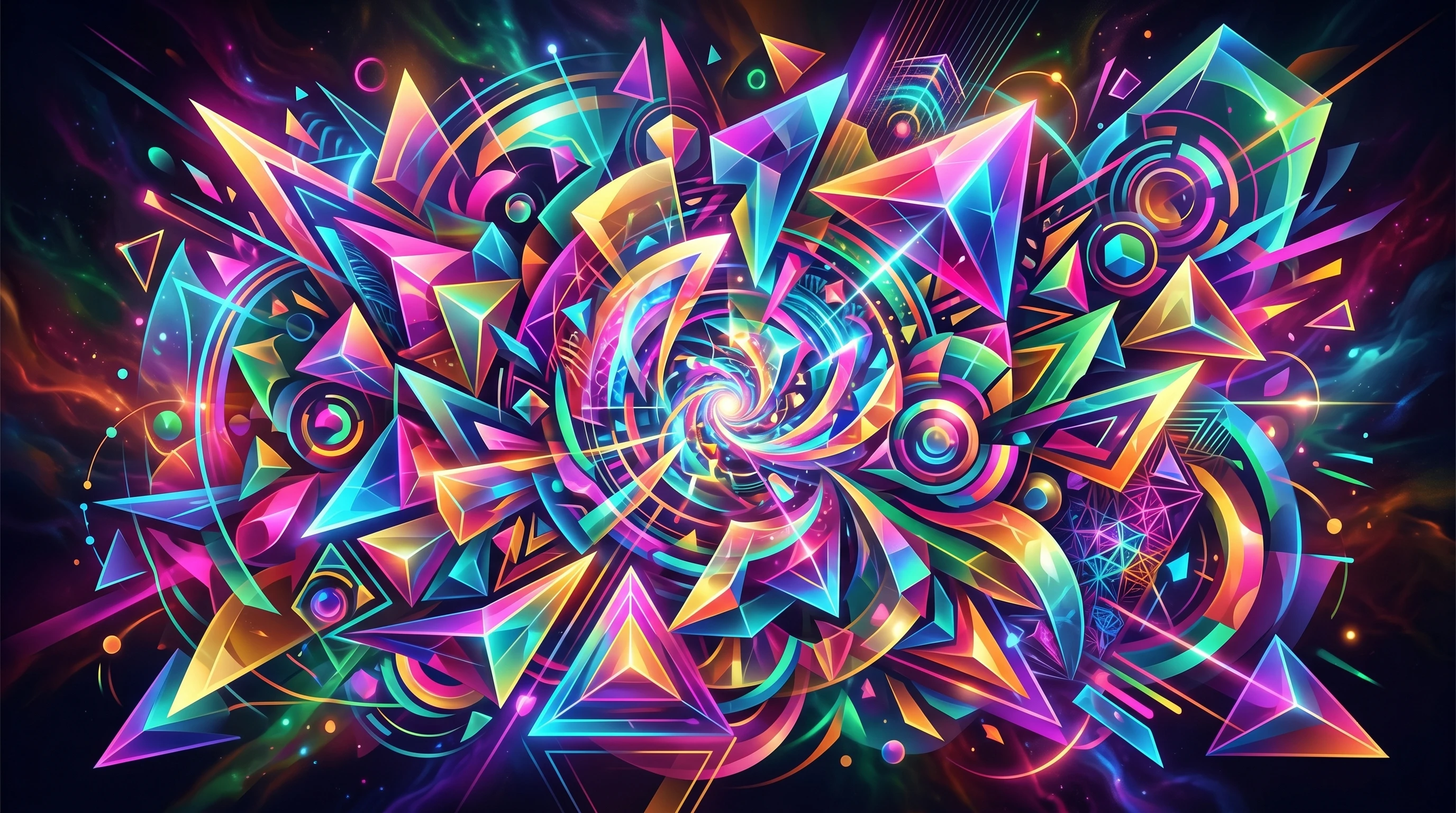
How AI Images Help Your Content Creation
AI images can save time and inspire fresh directions for your projects. With a few tweaks, you can give a single generated picture several new jobs. This makes AI art a cost-effective tool for building websites, revamping marketing, or keeping social feeds active.
There are also copyright benefits to using AI images you created yourself. While you should check each tool’s terms first, you usually don’t have to worry about licensing or attribution like you might with free stock photos.
This flexibility lets you focus on remixing the art in creative ways instead of stressing over usage rights. Plus, being able to track down the perfect style that matches your brand voice can give your business a consistent edge in a crowded niche.
1. Create Blog Post Graphics from AI Images
Turning your AI art into blog post images feels like a natural choice. If you’re writing about a topic that’s hard to illustrate, such as tech, abstract business concepts, or even personal development, AI images can fill the visual gap.
For example, I use surreal AI backgrounds as title images or section break banners to grab attention and boost the polish of my posts.
Many content management systems, like WordPress, let you upload and crop these images easily. Try resizing or zooming in on different parts of the artwork to support specific points. Sometimes I’ll tweak brightness or add subtle overlays, which helps text overlays pop out better, making content easier to skim and more engaging overall.
Quick Tips for Using AI Images in Blog Posts
- Use images at key moments in long posts to break up text.
- Add branded colors or patterns to keep things on theme.
- Try a black-and-white version to create a moodier, more focused look.
- Try an oil painting or watercolor theme
- Experiment with different framing to spotlight sections of the artwork that relate directly to your content’s main points.

2. Generate Social Media Content with One Image
Social feeds need fresh visuals almost every day. One AI-generated image could become several days’ worth of posts by cropping, zooming, or remixing it in creative ways. I often slice a single detailed landscape or abstract illustration into three or four Pinterest posts, or turn different closeups into carousel slides for more engagement.
Scheduling tools like Buffer or Canva make this process easy. All you need is a handful of unique crops, maybe a color filter for variety, and a snappy caption. AI art’s originality can help your posts stand out against a sea of lookalike stock images.
Another idea is to use the image as inspiration for stories or to build visually coherent story highlights on your profile, pulling in your personal branding.
Ideas for Social Media Crops
- Square crops for Instagram feeds
- Portrait crops for Stories and Reels
- Landscape crops for Twitter or Facebook headers
- Create animated posts or GIFs by slightly moving through different image areas
3. Make Printables and Digital Downloads
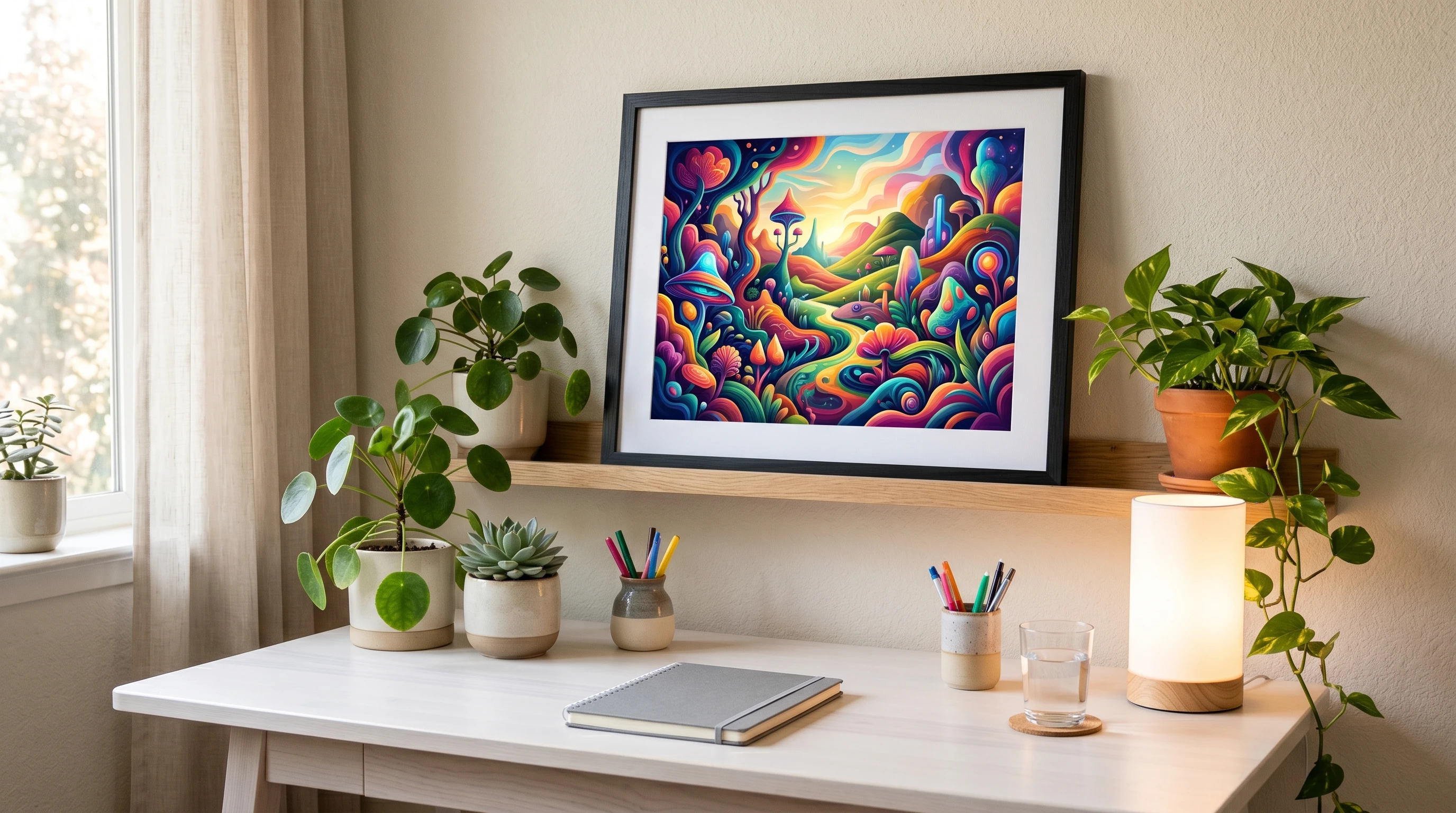
Printable products and digital downloads are a cool way to earn passive income or offer real value to your audience. You can turn an AI-generated artwork into a wall print, planner cover, digital wallpaper, poster set, or coloring page.
Depending on the complexity of the image, you might want to tweak the composition in a photo editor. I usually boost the resolution or use a vectorizer to keep things sharp at larger print sizes. Selling marketplaces like Etsy, Gumroad, or even your own website are a good way to connect with buyers who want something customized or unique.
If you want to appeal to more customers, mix in bundled sets, matching planners, or digital templates using the same artwork but in different formats. This helps make your store appear professional and thought-out.
Popular AI Image-Based Printables
- Motivational quote posters using AI backgrounds
- Printable stationery with original art
- Phone and computer wallpapers
- Coloring pages are made by lowering the image opacity and tracing simple outlines
4. Use AI Art in Video Content and Thumbnails
Video content is a huge part of online engagement. You can turn your AI image into a YouTube video thumbnail, intro animation, or even as looping backgrounds while you narrate a topic. A well-designed AI visual can boost click rates by making your video stand out more than generic options.
For shorts or TikToks, try animating parts of the AI image using filters, zooms, or transitions. Free tools like Canva, CapCut, or Adobe Express let you crop and adjust your designs for different aspect ratios and formats. By using a consistent style, viewers get a feel for your content from the very first glance.
Video Uses for AI Art
- Thumbnails with eye-catching colors
- Backgrounds for explainer videos
- Animated stories using pan and zoom effects
- Looping clips for subtle overlays or intros
5. Build Engaging Email Campaign Graphics
Email marketing works best with attractive visuals, but it gets expensive to buy new stock images each time. One versatile AI-generated image can help you design headers, banners, promotional graphics, or custom dividers for different newsletters.
I usually export the image in multiple sizes. The full version works for big welcome banners, while a cropped section might become a subtle background or button. Using matching visuals across a campaign helps build a recognizable email style and keeps things cohesive for your readers.
Plus, you can easily refresh your look for seasonal emails just by changing out the color palette on your favorite AI image.
6. Craft Unique Product Mockups and Branding Materials
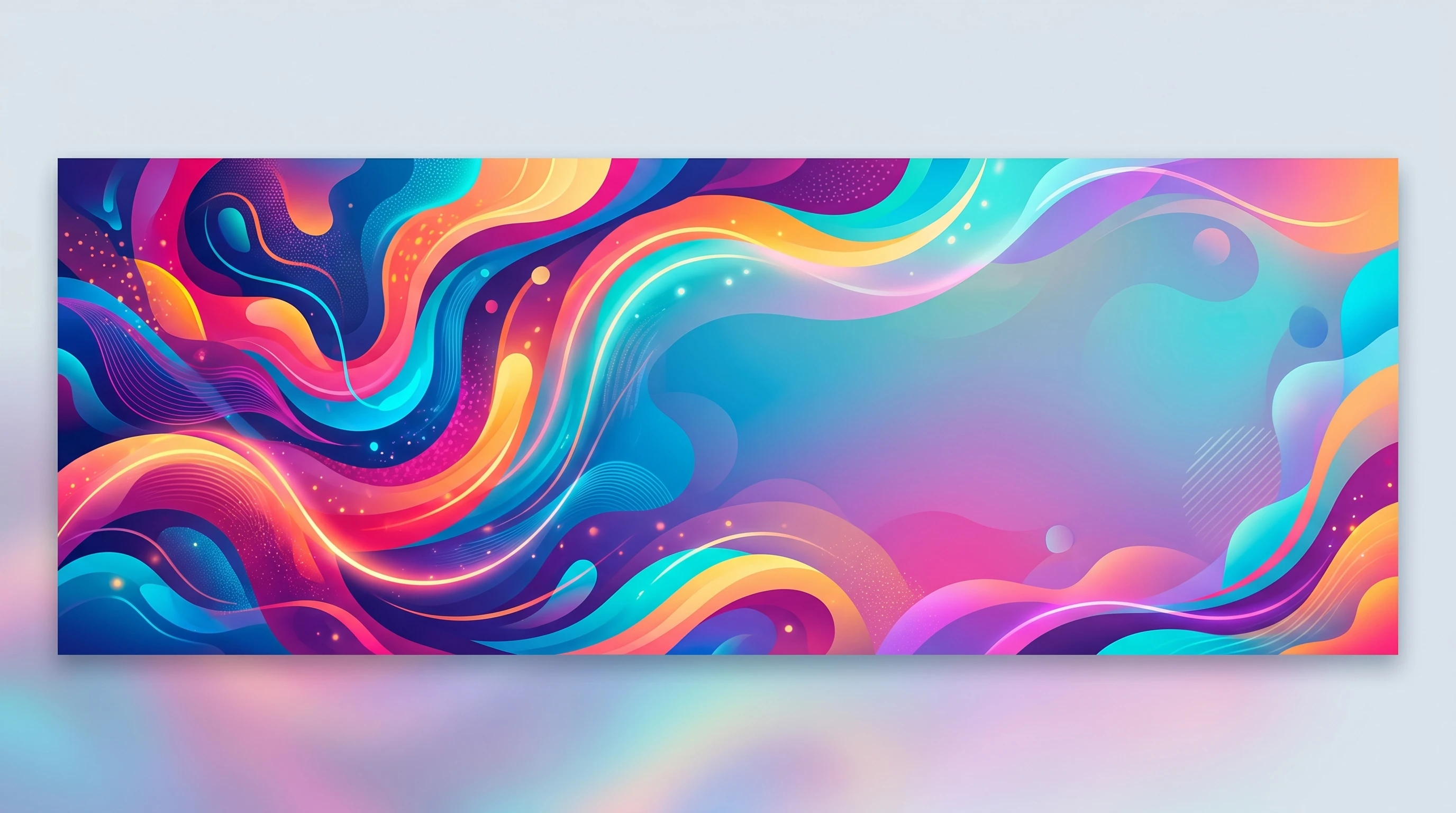
AI images can be repurposed for small business branding, product packaging, or even as elements in logos or website graphics. For entrepreneurs, turning a generated design into product mockups like a T-shirt print, label art, or packaging insert can save money and speed up the design process.
Sites like Placeit let you upload your AI images to create quick branded mockups. I’ve seen AI art used for coffee bag labels, candle jars, skincare packaging, and more.
If you want your brand to stand out in crowded marketplaces, having a unique custom image really makes a difference. Adding text, your logo, or even QR codes onto these images can help align everything with your visual identity.
Branding Materials to Try
- Business cards with AI artwork as backgrounds
- Website banners or hero images
- Branded sticker designs
- Mockups for mugs, notebooks, or apparel
7. Turn AI Images into Educational Visuals
Teachers, course creators, or anyone sharing knowledge can use AI art to explain concepts and bring slides, infographics, or workbooks to life. Instead of using generic stock icons, custom AI images help you visualize complex ideas and keep learners interested.
Whether you’re making a science illustration or an energetic background for motivational quotes, tailor the look to your learning goal.
I’ve made simple diagrams, process charts, and abstract backgrounds for slide decks using AI-generated visuals. For infographics or learning handouts, zoom in on sections or color-code image parts for better clarity.
Matching the visual style throughout a course bundle or slide set helps students focus on the big ideas instead of getting distracted by inconsistent images. You can also use AI-generated character illustrations for storytelling or scenario-based training that feels fresh and dynamic.
Educational Uses for AI Images
- Slide deck backgrounds with consistent color schemes
- Infographic elements
- Worksheet illustrations for a creative touch
- Process charts that support your explanations with unique visuals
FAQ: Repurposing AI Images
Here are some of the most common questions I get about using AI art across so many content types.
Question: Can I sell products or digital downloads using my AI-generated art?
Answer: Usually yes, but always check the license for your chosen AI tool. Many offer commercial use, but it’s worth confirming for big projects. Make it a habit to check terms, as these can sometimes switch up quickly in tech spaces.
Question: How do I avoid making my AI images look generic or low quality?
Answer: Spend a few minutes editing the image after generating it. Upscaling tools, color tweaking, and using crop variations help each piece feel more intentional and less “cookie-cutter.” Don’t forget to customize overlays, fonts, or add your branded touch for even more impact.
Question: What if someone else makes a similar image using the same tool?
Answer: The best way to keep things fresh is by adding your own edits, overlays, and brand visuals. Even small tweaks make your content feel more personal and less like something everyone’s seen before. Try integrating your own photography or combining two AI outputs for a result only you could make happen.
Question: Are there any risks in using AI images for commercial content?
Answer: Some stock photo sites or print-on-demand platforms have extra rules about AI art submissions. Take a minute to check each policy before uploading to avoid takedowns or account issues.
Bringing It All Together. Your AI Art as a Content Powerhouse
With just a bit of creativity, a single AI-generated image can cover loads of different uses, from social posts and blogs to email graphics, printables, and branded materials. These approaches give your content a personal touch and keep things original, even if you’re operating on a tight budget or short timeline.
Experiment with a few tools, remix your favorite images, and keep testing different crops or color styles. You’ll be surprised by how much value you can squeeze from every AI art piece. Over time, you’ll build up a toolkit of one-of-a-kind visuals that help your brand look polished and professional wherever you show up online.
____________________________________________
If you want tips on growing your brand or want to start creating more with AI, check out these resources:
Other Articles You Can Check Out!
- “Beginner’s Guide: Make Money Online Using AI Images”
- “How to Create Pinterest Pins with AI”
- “Best AI Image Prompts for Affiliate Marketing”
- “Can You Really Make Money Selling AI Images?”
- “How Does Affiliate Marketing Work for Beginners?”
- “Wealthy Affiliate AI Image Studio Review”
- “Affiliate Marketing Review – Best Affiliate Marketing Training”
You can always leave a comment below if you have questions or ideas to share!