
How to Create Pinterest Pins with AI (Step-by-Step for Beginners)
If you want more traffic from Pinterest, here’s the truth:
👉 Great content alone is not enough.
Pinterest is a visual platform.
That means your pin image often decides whether someone clicks… or keeps scrolling.
The good news?
You no longer need to be a designer to create eye-catching pins.
With AI, beginners can create Pinterest pins faster than ever.
In this guide, I’ll show you how to create Pinterest pins with AI step-by-step, even if you have zero design experience.
👉 Using these techniques, I went from zero to 25k impressions in three months! Read on to see how you can too!
Why Pinterest Pins Matter So Much
Pinterest works like a search engine.
People search for ideas, solutions, and products.
Your pin acts like the headline + ad + thumbnail all in one.
A strong pin can:
- Get clicks for months
- Drive traffic to your blog
- Grow affiliate income
- Build brand awareness
That’s why learning pins matters.
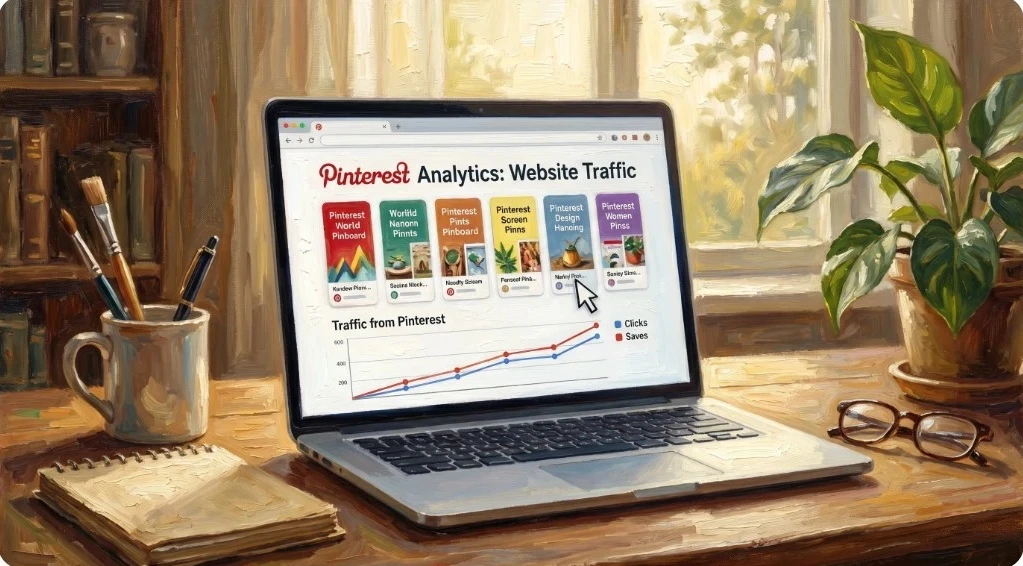
What Makes a Great Pinterest Pin?
Good pins usually have:
- Vertical format (2:3 ratio)
- Clear focal point
- Easy-to-read text
- Bright contrast
- Curiosity-driven headline
- Relevant image matching the topic
Bad pins are often cluttered, dull, or confusing.
Why Use AI to Create Pinterest Pins?
AI helps beginners create engaging pins quickly without hiring designers or spending hours in editing tools.
Benefits include:
- Faster content creation
- Unlimited image ideas
- Professional-looking visuals
- Easy testing of multiple styles
I create all of my Pinterest pins using tools inside a platform I have been using since 2014 because it keeps content creation simple!
🔥 If You Want to Jump Ahead:
👉 Want an AI image tool + Other AI tools + website building and hosting + affiliate training in one place?
👉 Start here: [Free to Start – No Credit Card Required!]
Step-by-Step: How to Create Pinterest Pins with AI
Step 1: Pick One Topic
Choose one clear topic that your audience wants.
Examples:
- How to start affiliate marketing
- Make money online from home
- RV living tips
- Best blogging tools
- AI side hustle ideas
One pin = one topic.
Step 2: Create the AI Image
Use a vertical prompt for Pinterest (2:3).
Example Prompt:
A vertical Pinterest-style image of a person working on a laptop from home, bright lighting, clean modern workspace, eye-catching composition, bold text overlay space
 This blog post image was created using the above image prompt, but with a 16:9 aspect ratio and an oil-painting art style.
Step 3: Add Strong Pin Text
Use simple headlines.
Examples:
- How to Start Affiliate Marketing
- AI Side Hustle for Beginners
- Get Free Traffic with Pinterest
- Make Money Online Using AI
Keep text large and easy to read.
Step 4: Use Pinterest SEO
Your pin title and description matter.
Example Title:
How to Create Pinterest Pins with AI
Example Description:
Learn how beginners can use AI to create eye-catching Pinterest pins that drive clicks and traffic to blogs and websites.
Use keywords naturally for better SEO (search engine optimization).
Step 5: Link to Your Blog Post
Every pin should send traffic somewhere useful.
Best options:
- Blog post
- Affiliate review page
- Lead magnet page
- Product guide
This is how pins become income-producing assets.
🔥 Don’t Have a Website Yet?
👉 Need a website to send traffic to?
👉 Build yours Here! Start your training for FREE – No Credit Card Required!
Step 6: Make Multiple Pins Per Post
Do not rely on one image.
Create:
- 3 to 5 pin variations
- Different headlines
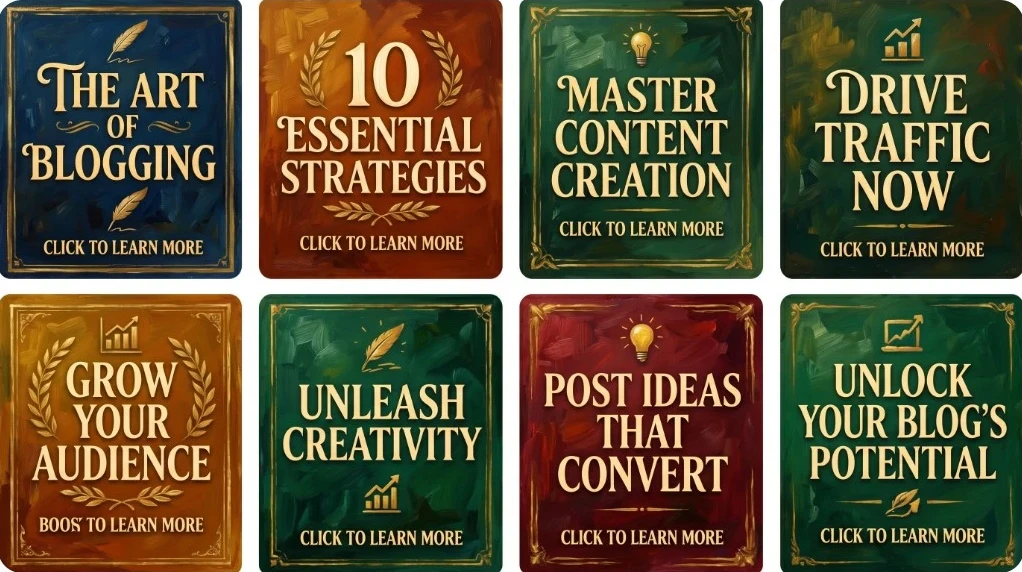
- Different image styles – the images in this article were created with an oil painting theme.
- Different color themes
This increases reach.
For an aggressive approach like the one I used, I posted 30 pins per website blog post. That’s 60 pins per month targeting two blog posts. That approach led to 25k Pinterest impressions in 3 months: from zero to hero!
Common Beginner Mistakes
❌ Too much text
❌ Hard-to-read fonts
❌ Horizontal images
❌ No keyword title
❌ No link destination
❌ Only making one pin
Internal Links
- How to Use AI Images to Get Free Traffic (Pinterest + Blog Strategy)
- Best AI Image Prompts for Affiliate Marketing (With Examples)
- 10 Mistakes Beginners Make with AI Images (And How to Fix Them)
- How to Create AI Images for Affiliate Marketing (Step-by-Step Guide)
Final Thoughts
Pinterest traffic can be powerful.
But it starts with the pin.
And now, thanks to AI, beginners can create professional pins faster than ever, as I did. Does it sound difficult to create 60 pins a month? Not with my AI image studio! I can create a great image in thirty seconds. So . . . .
Create helpful content.
Create strong pins.
Stay consistent.
That’s where results come from: traffic to your money-making website!
💪💪💪💪💪
👉 Want the tools + training to build website traffic online?
👉 Join Wealthy Affiliate Here!
❓ Frequently Asked Questions
Can beginners really make Pinterest pins with AI?
Yes. AI tools make it easy for beginners to create eye-catching pins using simple prompts.
What size should Pinterest pins be?
Vertical 2:3 ratio pins (such as 1000 x 1500) usually perform best.
How many pins should I make per blog post?
A good starting point is 3 to 5 pin variations per post. But, as I said earlier, if you want to boost your website traffic, do what I did.
Do Pinterest pins still work in 2026?
Yes. Pinterest remains a strong traffic source for many niches, especially lifestyle, business, DIY, finance, and blogging.
Where should Pinterest pins link to?
Pins should link to a helpful destination like a blog post, landing page, review page, or lead magnet.