
How to Use AI Images to Get Free Traffic (Pinterest + Blog Strategy)
If you’re trying to get traffic without paying for ads, here’s something most people miss:
👉 Images can drive traffic by themselves.
Not just any images…
👉 The right AI images can bring you traffic from Pinterest, Google, and social media on autopilot.
And the best part?
You don’t need design skills or expensive tools.
In this guide, I’ll show you exactly how I use AI images to get free traffic using a simple Pinterest + blog strategy.
Why AI Images Are a Traffic Goldmine
Most people focus on writing content…
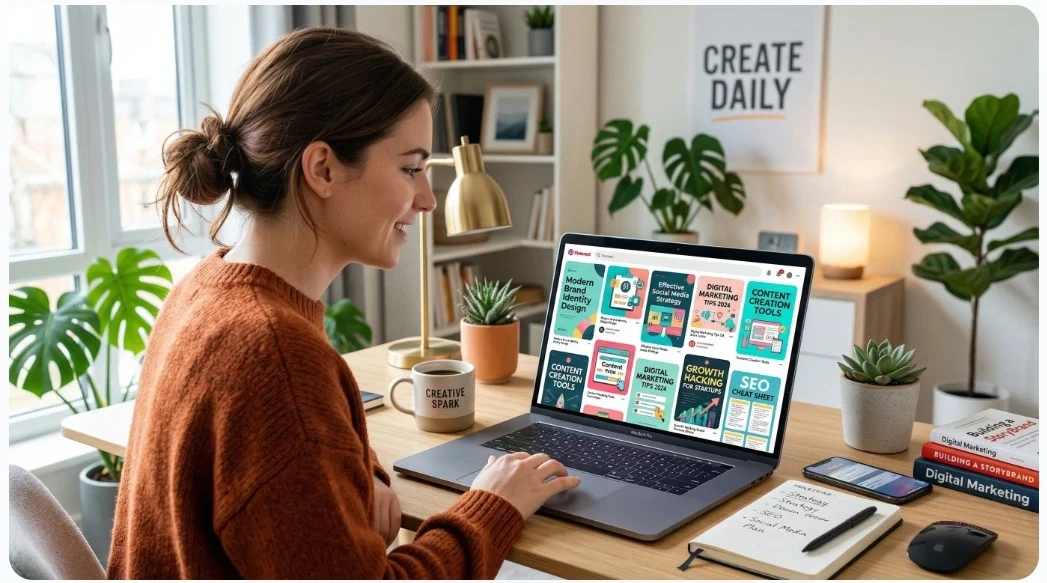
But platforms like Pinterest are visual search engines.
👉 That means your image is the entry point to your content.
What good images do:
- Stop the scroll
- Get clicks
- Drive traffic to your website where products or services are sold.
And when paired with website blog content?
👉 You create a system that works for you 24/7.
The Simple Strategy (Big Picture)
Here’s the system I use:
- Create a blog post
- Create AI images (Pinterest pins)
- Post them on Pinterest
- Link back to a website article
That’s it.
👉 I create my images inside Wealthy Affiliate because it keeps everything in one place (no tool jumping).
👉 You can check it out here:
👉[ Start with Wealthy Affiliate]
Step 1: Create a Blog Post That Targets Search Traffic
Before you create images, you need something to send traffic to.
Focus on:
- Beginner-friendly topics
- Questions people are asking
- Simple “how-to” content
Examples: (I can show you how to find areas of interest that can attract traffic)
- How to start an online business
- Best AI tools for beginners
- How to make money online
- Work from home
- The best pet accessories
👉 This gives your pins somewhere to send traffic.
Step 2: Create AI Images That Get Clicks
This is where most people mess up.
They create images…
👉 But not clickable images that send traffic to a place where income can be earned.
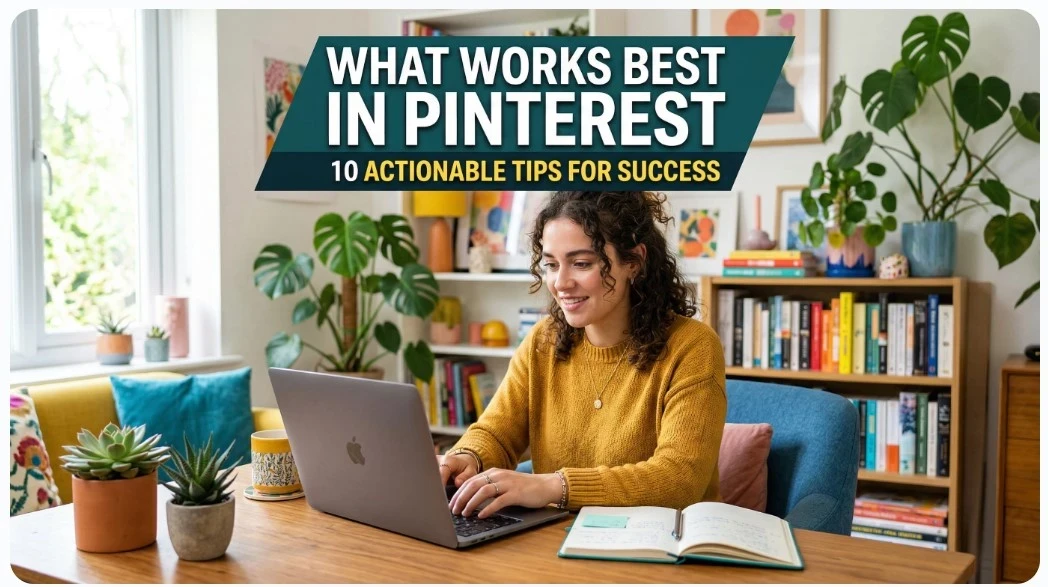
What works best in Pinterest:
- Vertical format (2:3 ratio)
- Bold, easy-to-read text
- Clear message
- Bright, eye-catching visuals
Pro Tip:
Create 3–5 images per website blog post
Each one can bring traffic.
Step 3: Use the Right Keywords (Pinterest SEO)
Pinterest works like a search engine.
So your pins need:
- Keyword-rich titles
- Descriptions
- Relevant Pinterest Boards
Example:
Title:
How to Use AI Images for Free Traffic
Description:
Learn how to create AI images that drive traffic from Pinterest to your blog. Step-by-step strategy for beginners.
👉 Simple. Clear. Searchable.
Step 4: Link Every Pin Back to Your Blog
This is where the magic happens.
Every pin should:
👉 Link to your blog post
That’s how you turn:
- Views → clicks
- Clicks → traffic
- Traffic → income
👉 This is exactly why I use Wealthy Affiliate, because I can build a website, create content, and generate images all in one place.
👉 Start here if you want a simple system:
👉 [Join Wealthy Affiliate]
Step 5: Stay Consistent (This Is the Key)
This is where most people quit.
Not because it doesn’t work…
👉 But because they stop too soon.
Simple plan:
- 1 blog post per week
- 3–5 pins per post
- Repeat
👉 Over time, your content stacks and traffic grows.

Common Mistakes to Avoid
❌ Posting one pin and stopping
❌ Using low-quality images
❌ Not linking to a blog
❌ Overcomplicating the process
👉 Keep it simple.
Other Resources You Might Want to Check out!
- 👉 How to Create AI Images for Affiliate Marketing (Step-by-Step Guide)
- 👉 Free vs Paid AI Image Tools: Which Is Best (And Why I Chose Wealthy Affiliate)
- 👉 Wealthy Affiliate AI Image Studio Review: Is It Worth It?
Final Thoughts: This Works If You Work It
This isn’t complicated.
It’s just being consistent with your online efforts.
👉 Create online content
👉 Create images with AI
👉 Share on Pinterest
👉 Repeat
And over time…
👉 Traffic builds.
👉 Ready to Build This System?
If you want:
- AI image creation
- A website
- Step-by-step training
👉 Start here:
👉 [Join Wealthy Affiliate and Get Started]
❓ FAQ Section
Do AI images really help with traffic?
Yes. AI images can increase clicks and visibility, especially on Pinterest. They help your content stand out and attract attention.
How many Pinterest pins should I create per post?
3–5 pins per post is a good starting point. More pins increase your chances of getting traffic.
Do I need design skills to use AI images?
No. AI tools allow you to create images using simple text prompts, making it beginner-friendly.
How long does it take to get traffic from Pinterest?
It can take a few weeks to a few months. Pinterest traffic builds over time as your pins get indexed.
What is the best platform to create AI images?
Platforms like Wealthy Affiliate make it easier because everything is in one place, including training and website tools.