
10 Mistakes Beginners Make with AI Images (And How to Fix Them)
AI image tools are exciting! You will see that in this article as you look at the images created with the best AI generator.
You type a few words… and an image appears in seconds.
Sounds easy, right?
Sometimes.
But many beginners quickly get frustrated because their results look strange, low-quality, or nothing like what they wanted.
The good news?
👉 Most AI image problems come from simple mistakes, and they’re easy to fix.
In this guide, I’ll show you 10 common beginner mistakes with AI images and how to improve your results fast.
Why Most AI Images Go Wrong
It usually isn’t the tool.
It’s one of these issues:
- Weak prompts
- Wrong expectations
- Poor image strategy
- No understanding of how to guide the AI
Once you fix those, results improve quickly.
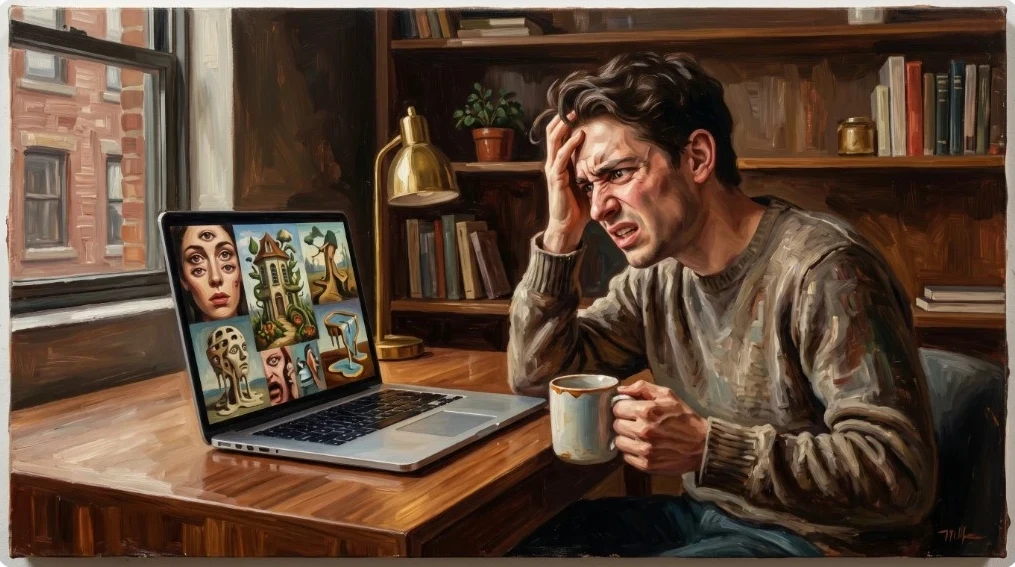
Here’s an oil painting image I orchestrated using my AI image generator. It was created using this prompt:
A beginner looking frustrated at strange AI-generated images on a laptop screen, modern workspace, clean, realistic style, relatable expression
Mistake #1: Using Prompts That Are Too Vague
Bad prompt:
person working
Better prompt:
A focused entrepreneur working on a laptop in a bright modern home office, clean style, productive mood
✅ Fix:
Use this formula:
Subject + Setting + Style + Mood + DetailsMistake #2: Expecting Perfect Results on the First Try
Many beginners quit after one bad image.
AI tools often need:
- Revisions
- Slight prompt changes
- Multiple generations
✅ Fix:
Treat it like drafting, not magic.
Mistake #3: Forgetting the Purpose of the Image
Some people generate pretty images…
But they don’t help traffic or conversions.
Ask:
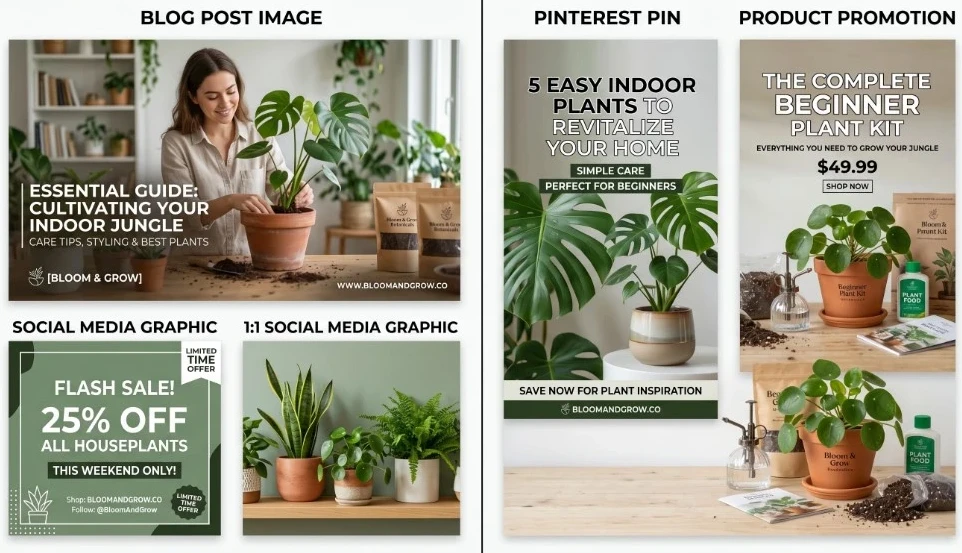
👉 Is this image for:
- A blog post?
- Pinterest traffic?
- Social media?
- Product promotion?
✅ Fix:
Create images based on the goal.
Mistake #4: Ignoring Pinterest-Friendly Formats
If you want traffic from Pinterest, square images often underperform.
✅ Fix:
Use vertical images in a 2:3 ratio with bold text overlay space.
Mistake #5: Making Images Too Busy
Too many objects = confusion.
Busy images often get ignored.
✅ Fix:
Use:
- One clear subject
- Good contrast
- Clean composition
Mistake #6: Not Using Emotion
Images that create emotion often get more clicks.
Examples:
- Success
- Curiosity
- Relief
- Freedom
✅ Fix:
Use prompts that suggest emotion and mood.
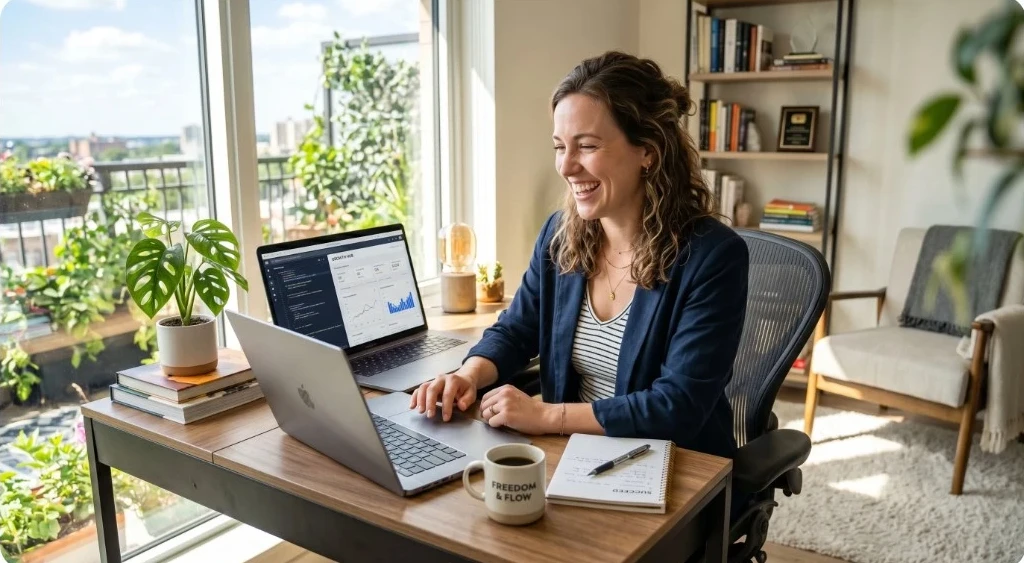
A Great Prompt:
A smiling entrepreneur working on a laptop at home, bright lighting, modern, comfortable office. This image needs to create emotion: success, curiosity, relief, and freedom.
Mistake #7: Not Matching the Article Topic
A random image can confuse readers.
If your article is about making money online…
Use images related to:
- Laptops
- Home office
- Digital business
- Growth
✅ Fix:
Match visuals to content.
Mistake #8: Using Too Many Tools
This happens all the time.
One tool for images.
One for websites.
One for training.
One for SEO.
It gets messy fast.
✅ Fix:
Use an all-in-one platform like Wealthy Affiliate where you can build great website content, create amazing images, and grow your business in one place.
👉 Want a simpler system for content + AI tools + affiliate marketing?
👉 Start here!
Mistake #9: Giving Up Too Soon
Many people stop after one week.
Traffic and content growth take time.
✅ Fix:
Stay consistent:
- 1 article per week
- 3–5 images or Pinterest pins per post
- Keep publishing
Want a plan? Check out this article!
Mistake #10: Forgetting That Tools Don’t Make Money
This is the biggest one.
AI tools can help…
But income comes from using them inside a strategy.
✅ Fix:
Use AI tools for:
- Affiliate marketing
- Blogging
- Pinterest traffic
- YouTube traffic
- Product creation
Recommended Links
- Best AI Image Prompts for Affiliate Marketing (With Examples)
- How to Create AI Images for Affiliate Marketing (Step-by-Step Guide)
- How to Use AI Images to Get Free Traffic (Pinterest + Blog Strategy)
- Wealthy Affiliate AI Image Studio Review: Is It Worth It?
Final Thoughts
If your AI images haven’t looked great yet…
Don’t assume the tool is broken.
Most beginning users only need a few small adjustments.
Fix these mistakes, and your images can become a traffic and conversion asset.
🔥 🔥 🔥 🔥 🔥 🔥
👉 If you want training, tools, and a real system to build online income:
👉 Join Wealthy Affiliate Here! It’s FREE to try out with no credit card required!
❓ Frequently Asked Questions
Why do my AI images look bad?
Usually, because prompts are too vague or the image lacks a clear direction. Better prompts dramatically improve results.
Do beginners need expensive AI image tools?
No. Beginners usually need better prompts and a clear strategy more than expensive software.
How many AI images should I create for one blog post?
A good starting point is 2–4 blog images and 3–5 Pinterest pins.
What’s the best AI image size for Pinterest?
Vertical 2:3 ratio images typically perform best.
Can AI images help make money online?
Yes, when used for blogging, affiliate marketing, Pinterest traffic, or digital products.