
Welcome to How to Use AI Tools Together to Create Content for Your Affiliate Website. In this article, I’ll focus on an AI content workflow for affiliate marketing.
Most beginners who use AI for their affiliate site use it the same way: open a chat window, type a request, copy the result, and start over tomorrow with a different request. It feels productive because text appears quickly. A month later, there are a dozen posts, no consistent quality, and no clear idea of which part of the process helped.
An AI content workflow for affiliate marketing fixes that by giving every piece of content the same route from idea to published post. Each stage produces one specific output, and the next stage starts from that output instead of from a blank prompt. This article lays out a five-stage version you can run every week.
Why random AI prompts keep you busy but not growing
Asking AI for help one task at a time has three costs that are easy to miss.
First, every post starts from zero. If you ask for “a blog post about the best budget headphones” on Monday and “a review of a standing desk” on Thursday, the two requests share nothing. You re-explain your reader, your tone, and your goal each time, and the answers drift.
Second, the quality depends on how you felt when you typed the prompt. A rushed prompt gets a generic post. A careful prompt gets a better one, but you cannot repeat it because you did not save it.
Third, you cannot tell what is working. When posts come from different prompts, different tools, and different amounts of editing, a post that ranks or earns clicks teaches you nothing you can reuse.
A pipeline removes all three. The reader description, the tone, and the structure are written down once and carried through. The prompts are saved. Because every post passes through the same stages, differences in results point to differences in the topic or the edit, which you can actually see and fix.
The pipeline in one picture: five stages and what each one hands off
Think of five boxes in a row. Each box has an input, a job, and an output, and the output of one box is the input of the next.

- Research. Input: your niche and what your audience asks. Output: a one-page brief with a target keyword, the reader’s main question, and the points the post must cover.
- Outline. Input: the brief. Output: a heading structure where each section answers one question from the brief.
- Draft. Input: the outline plus the brief. Output: a complete first draft that follows the outline.
- Edit. Input: the draft. Output: a finished post with your corrections, real proof, accurate claims, a disclosure and natural affiliate links.
- Publish and repurpose. Input: the finished post. Output: a live URL, a set of short pieces made from the post, and a line in your tracking log.
Between each pair of boxes sits a human checkpoint, a short review where you decide whether the output is good enough to pass on. Those checkpoints are where your judgment enters the process, and they matter more than any individual tool. Nothing in the pipeline requires a particular product. You can run it with one AI assistant and a plain document.
Stage one: turn audience research into a keyword and a brief
The brief is the most valuable thing the pipeline produces, because everything downstream copies its quality. A weak brief gives you a weak outline and a weak draft, no matter how good the tool is.
Start with what your audience wants. If you have not done that work yet, the guide on using AI to research what your audience actually wants covers how to gather questions, complaints, and comparisons in the words your readers use. Bring that raw material here and ask the AI to help you sort it.
A useful brief fits on one page and contains:

- The target keyword, written as a phrase a real person would type, plus two or three close variations.
- The reader, described in one or two sentences: who they are, what they already know, and what they are trying to decide.
- The main question the post answers, stated plainly.
- Four to eight supporting questions taken from your research, each of which will become a section.
- The product or products that fit the topic, and the honest reason each one fits.
- What you will leave out, so the post stays focused.
To produce it, paste your research notes into the AI and ask it to group the questions by theme, flag duplicates, and propose a keyword with a one-sentence reason. Then do the checkpoint: read the brief and ask whether a reader with this question would find the post useful even if no link existed. If the answer is no, change the topic now. Fixing a brief takes five minutes, and fixing a finished draft takes an hour.
Keep keyword choice simple at this stage. A specific phrase with a clear intent, such as someone comparing two products or asking how to do one thing, is easier to write well than a broad term. If you want more background on how search works, the SEO for beginners guide explains the basics without assuming experience.
Stages two and three: build the outline and draft from that brief, not from a blank prompt
Once the brief exists, the outline almost writes itself. Give the AI the whole brief and ask for an outline in which each supporting question becomes a heading, in an order that makes sense to a reader who is new to the topic. Ask it to put the main question’s answer near the top.
Then do the outline checkpoint. Look for three things: a section that does not match any question in the brief (cut it), a question in the brief with no section (add it), and an order that makes the reader wait too long for the thing they came for.
The draft is the next handoff. Paste in the brief and the approved outline together, and give the AI instructions that stay the same from post to post. These standing instructions are worth writing once and saving:
- Write for the reader described in the brief.
- Use plain words and short paragraphs.
- Follow the outline headings exactly.
- Do not invent statistics, prices, quotes, or personal stories. If a fact is needed and was not provided, mark it clearly so it can be checked or removed.
- Mention affiliate products only where the brief lists them.
That fourth instruction matters. AI tools will happily produce a confident number or a story about “a customer who saw great results” because it makes the paragraph sound complete. None of it is true unless you supplied it. Telling the tool to flag gaps instead of filling them saves you from publishing claims you cannot back up.
Draft one section at a time if the output starts to feel thin. Long single requests tend to produce padded, repetitive text, while section-by-section drafting keeps each part tied to one question.
Where you step in: the checkpoints that keep your voice and your honesty intact
Four checkpoints sit in the pipeline: after the brief, after the outline, after the draft, and after the edit. Each one is a short, specific review, not a general feeling that the text is “okay.”
After the brief: Is the topic one a reader would want answered? Would you recommend the listed product to a friend with this problem? If you would not, remove it from the brief.
After the outline: Does every heading answer a question the reader has? Is anything missing that a beginner would need?

After the draft: Is every factual claim something you can verify? Search for numbers, prices, dates, and product features, and confirm each against the product’s own page or remove it. Check that nothing describes an experience you did not have. If the draft says “I tried this for a month,” and you did not, the sentence goes.
After the edit: Does it sound like you? Is the disclosure there? Would you be comfortable if the reader knew exactly how you earn from the page?
This is also where your voice enters. A natural, easy-to-read voice comes from the choices you make while reading: replacing a stiff phrase with one you would say aloud, shortening a wandering sentence, deleting a paragraph that repeats the previous one. The AI supplies structure and speed. You supply the decisions about what is true and how it should sound.
Stage four: edit, add proof, and place affiliate links naturally
Editing is where a generic draft becomes a post worth reading. Work through it in a fixed order so you do not miss anything.
Accuracy first. Verify every claim flagged in the draft checkpoint. Check product names, features, and any pricing against the seller’s page on the day you publish, since those details change.
Then proof. Proof means things you have actually done or can actually show: a screenshot of your own setup, a result from your own use of a product, a comparison you ran yourself, or a clearly sourced fact from the manufacturer. If you have no firsthand experience with a product, say what you did do, such as reading the documentation and comparing the published features, and let the post be honest about its basis. Readers trust a modest, true statement more than an impressive, vague one.
Then the reader’s path. Read each section and ask what the reader should do next. In a comparison post, they may need a short summary of who each product suits. In a how-to post, they may need the specific step where a tool becomes useful.
Then links. Place an affiliate link where a reader who has just learned about the product would want to look at it: at the first real mention, or beside the sentence that explains what the product does. A link dropped into a paragraph that has nothing to do with the product reads as a sales push and gets fewer clicks. Avoid repeating the same link in every paragraph. One or two well-placed links per product is enough for most posts.
Finally, the disclosure. State near the top that you may earn a commission if the reader buys through your links, and that it does not change their price. Requirements vary by country and platform, so check the rules that apply to you and follow them.
If you want a deeper checklist for this stage, the existing guides on editing AI-written text and on writing with AI without sounding like AI go through the process line by line.
Publish, repurpose and track: closing the loop so the next post gets easier
Publishing is more than pressing a button. Before the post goes live, confirm the title contains the target keyword in a natural way, the headings are formatted as headings, every link opens the right page, and images have short descriptive alt text.
After publishing, the same post becomes the source for the repurposing stage. Give the AI the finished text and ask for specific formats, one at a time: a short social post for each main point, a few quotes or tips that stand alone, an email to your list summarizing the post, or a script for a short video. The guide on turning one blog post into 20 pieces of content goes through the formats in detail. Because the post is already accurate and edited, the repurposed pieces start from checked material, and the same checkpoint applies: read each piece before it goes out.
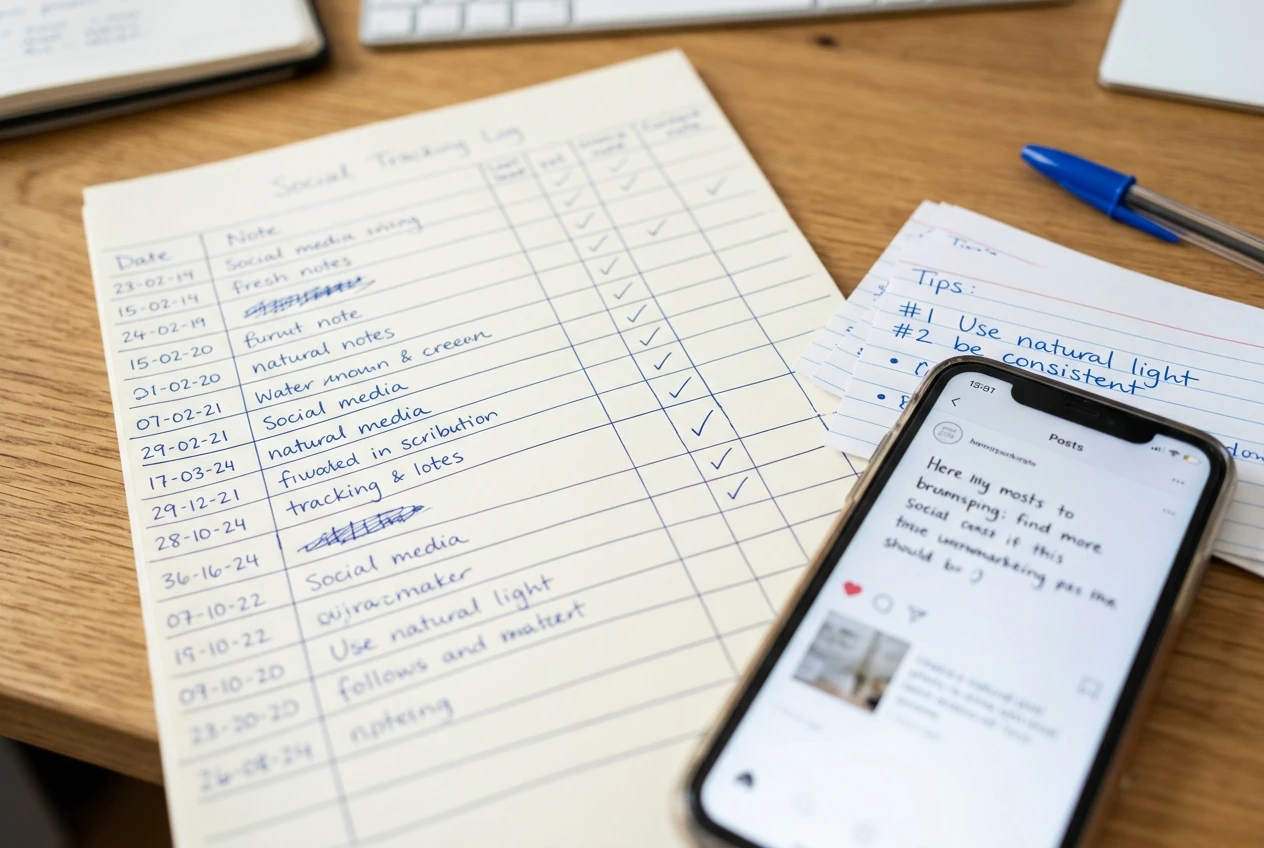
Then track, which is the step most beginners skip. Keep a simple log; a spreadsheet works, with one row per post. Record:
- The title and the target keyword
- The date published
- The affiliate products linked
- Which repurposed pieces you posted and where
- Clicks on affiliate links and any sales you can see in your affiliate dashboards
- A note on what you would change
Review the log after a few weeks. You will start to see which topics draw clicks, which products your readers care about, and which posts need a better edit. Those observations feed straight back into stage one, so the next brief is better informed than the last. This is how the pipeline improves: each run adds one row of evidence and one set of prompts that either worked or needed fixing.
Also save the prompts. When a brief prompt or a draft instruction produces a good result, copy it into a document with a short label. After several posts, that document is your template, and a new post starts from your own proven wording instead of a blank box.
Start small: automate one handoff this week before you build the rest
You do not need to set up all five stages at once. Pick the handoff that costs you the most time or produces the most inconsistent results and fix only that one.
For many beginners, that is the move from research to brief. Spend one session writing a brief template with the headings listed above, and use it for every post this week. For others, it is the draft stage, where writing the standing instructions once removes a lot of re-explaining. For others still, it is tracking, where a simple spreadsheet with six columns already beats having no record.
Do one stage properly for a week, then add the next. Within a month you will have a repeatable process, a set of saved prompts, and a log that shows what your own audience responds to. That is a more reliable foundation than any single clever prompt, and it works the same way whether you publish one post a week or five.
I have one tool that I use that combines all five stages to seamlessly create great website content that works together to create a successful online business. You can try it for FREE!
Your next step
Pick one post you plan to publish this week and run it through the five stages, saving the prompts that worked as your own template. If you still need to choose your tools, start with the guide to the best AI tools for affiliate marketing.