
Creating a week of content in an hour using AI sounded impossible to me just a few years ago. New tools keep popping up, and now I can genuinely whip up blog posts, Pinterest pins, TikTok clips, and even AI art faster than ever.
I’m all about working smarter instead of spending hours glued to a screen. Here’s how I tackle it every week, and how you can jump in too, no tech background needed.
Why Batch Content With AI?
Batching content isn’t about just being efficient; it’s about putting less pressure on yourself during the week. AI tools have made this easier because they quickly take care of repetitive tasks. I rely on batch creation for a smooth workflow. Instead of scrambling every day, I create everything in one go and schedule it ahead of time.
Time spent toggling between platforms, tweaking formats, and creating new topics adds up. With AI, I skip the dull parts and focus on adding my unique spin to each piece.
My favorite perk is that I never run out of fresh ideas since these tools can generate creative prompts on tap. It also means I get to focus on the fun parts, like crafting new perspectives and storytelling, since the heavy lifting is already done.
My Full AI Content Workflow, Step by Step
I stick to a structure that works for both full-time creators and anyone doing this as a side hustle. My week’s worth of content usually covers at least one detailed blog, a handful of Pinterest designs, short TikTok videos, and several AI images to jazz everything up.
1. Planning My Content Calendar With AI
I start by brainstorming ideas. I use content planning tools or just an AI chatbot to help identify trending topics or brainstorm headlines. I’ll ask questions like, “What’s trending on Pinterest this week?” or “Give me five blog ideas for small business owners.” These tools even suggest the best posting times for different channels.
This part only takes about 10 minutes. I jot down what post goes to which day, platforms, and if it needs a video, pin, or just an image. If I want to get a feel for what’s working for others in my niche, I’ll even ask AI to scan similar accounts and outline popular themes or hashtags.
2. Drafting Blog Posts Fast
Writing a long-form blog used to be the slowest part of my week. Now I use an AI writing assistant. I put in my main topic, keywords, and a brief outline, and within a few seconds I get a draft that’s ready for a personal touch. I spend most of my editing time adding stories or tips that sound like me.
I break big posts into chunks, focusing on intros, subheadings, and calls to action. AI helps with grammar checks, rephrasing, and making sure my writing hits the right tone. For SEO, I rely on the AI’s keyword suggestions to help my posts reach more people on Google. If I’m feeling stuck, I’ll ask the AI for hooks or stats to sprinkle throughout the piece.
3. Designing Eye-Catching Pinterest Pins
Visuals drive Pinterest, and eye-catching pins go a long way. I use AI design tools to generate background images and templates. I upload a quick summary of my blog and get 5 or more pin ideas and layouts in under 10 minutes. Once I have those, I spend a little time swapping out colors or adding my logo.
I download the finished pins and upload them to Pinterest. Most AI designers let me download in the right format for Pinterest, so I don’t have to mess with resizing. I sometimes experiment with vertical or square pins to see what performs best for my account.
Using these ideas as well as a few others, my Pinterest account went from just a few views to over 66,000 views a month, and growing, as of this writing! What does that mean? That traffic sends viewers to my online offerings.
4. Creating TikTok Videos With AI
Shooting TikToks doesn’t have to mean hours of recording. I use AI video tools that turn blog highlights or pin descriptions into short-form video scripts. I choose from stock clips or upload a quick video of my desk, then let the AI blend cut scenes, animations, and music together.
AI voiceovers are helpful when I don’t want to talk on camera. I can pick a friendly voice, upload a script, and add subtitles with zero effort. Video editing AI helps with trimming, color filters, and eye-catching transitions.
It only takes a few tries to get a TikTok video looking polished and ready to share. Sometimes, I remix audio or add trending sounds directly within the TikTok app after exporting the base video from my AI tool.
5. Generating AI Images to Spice Up My Posts
Every post is better with visuals, but I don’t always want stock photos that show up everywhere else.
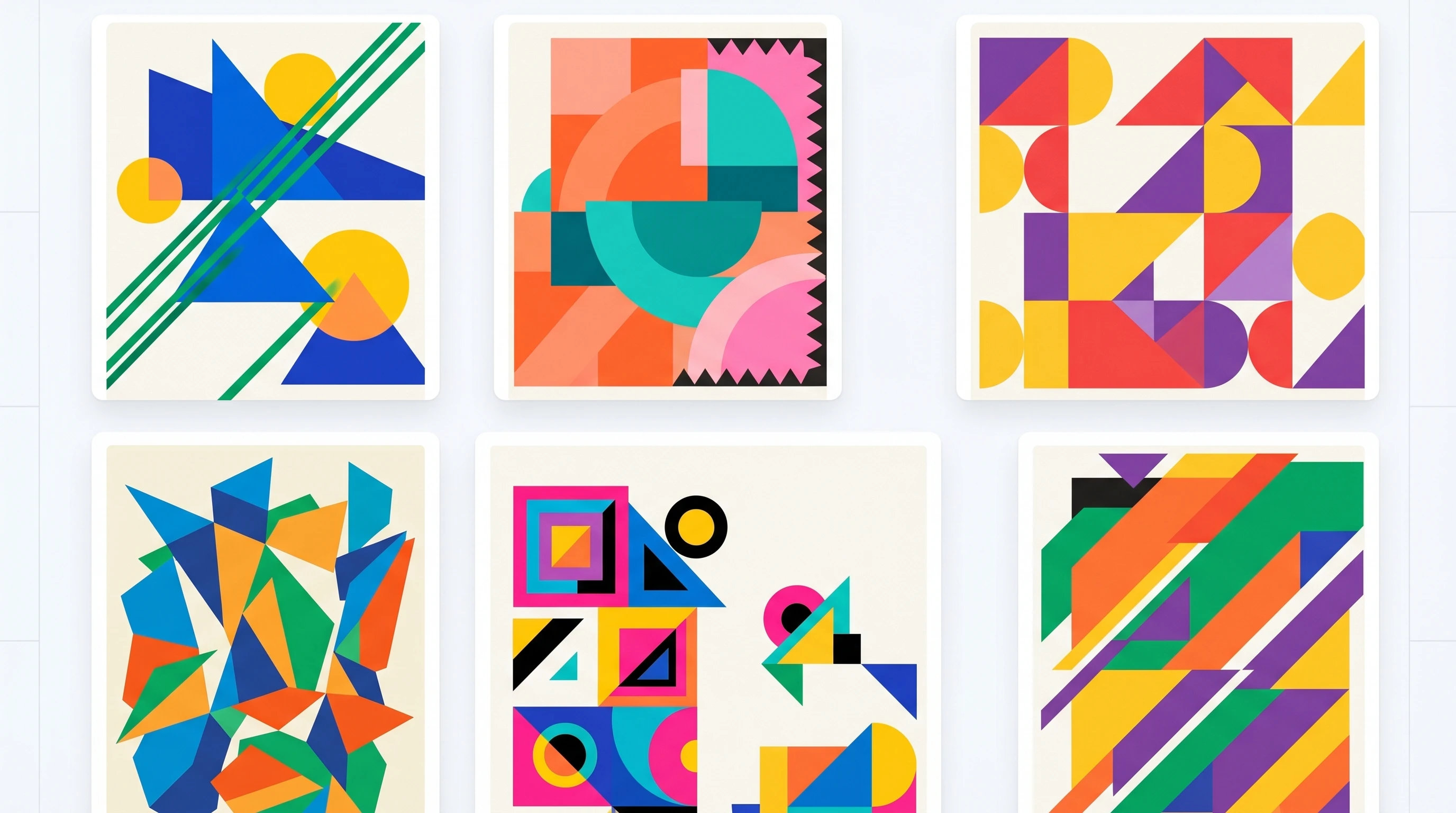
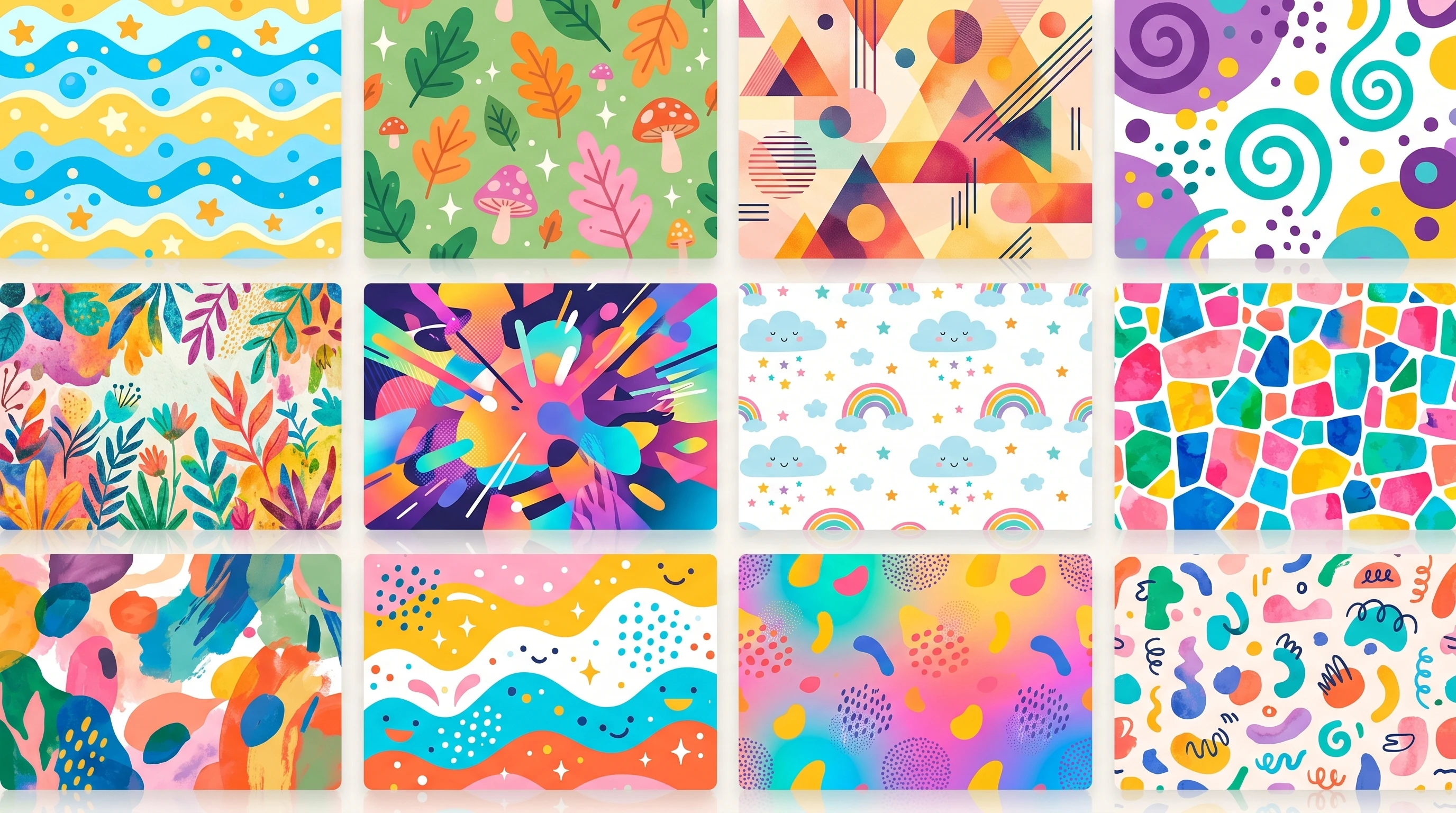
AI art generators let me create unique backgrounds, abstract shapes, or colorful images that fit the vibe of my brand. I type a prompt like, “vintage minimalist abstract,” and in seconds I get bold graphics for Instagram, Pinterest, or the blog.
This saves me from spending hours searching for free-use photos. I make a handful of images at once and save them to my content library for future use. Many times, I’ll tweak the prompt slightly, like changing the color palette or style words to see what kinds of new visuals pop up and make each week stand out.
Best Tools for AI-Powered Content Creation
I’ve checked out a lot of tools over the years and found several that keep my workflow speedy and fun. Here are a few that I think are really worth checking out. Most of these work online, so there’s no need for fancy hardware, and many have free versions to start with.
- ChatGPT or Google Gemini: For brainstorming, outlining, and even full blog drafts.
- Canva AI: Design templates, Pinterest pins, and image backgrounds.
- InVideo, HeyGen, or CapCut AI: Turn blog snippets into TikTok-ready clips almost instantly.
- DALL-E or Midjourney: Generate custom, text-free images for blog headers and pins.
Combining even just two or three of these tools will already put you ahead on content planning. Each has easy tutorials, so you’re not stuck figuring out the tech side. I recommend sticking with the ones that feel intuitive; there’s no right answer, just what works best for you and your creative process.
Real Examples: How I Use AI for Each Platform
Blog Posts
I usually start with a blog since it’s the foundation for my week. After AI helps draft it, I use snippets from my blog as pin captions or video scripts. This way, I never have to think, “What should I say here?” since the content carries over between formats. If I spot an especially lively paragraph, I might highlight it as a standalone social post, too.
Pinterest Pins
The designs that get the most clicks are clear and bright. I personalize templates, switching up the background every week with AI-generated art.
People spot my pins because the visuals are always a bit different from the rest. Adding a branded color bar or small headline helps people connect your pins to your account instantly.
TikTok Clips
Shortform is where personality shines. I let AI video editors cut together highlights, then I add a clip of me introducing a topic or showing my workspace. Sometimes, I use AI to overlay pop-up tips or captions, which helps keep people watching.
My workflow here is to keep each video around 30 seconds, so it’s quick to create and snackable for viewers. If a video does especially well, I’ll repurpose parts of it for Facebook Reels or YouTube Shorts to get more mileage out of the content.
AI Art
Stock images are fine, but AI illustrations add character. My favorite trick is saving a theme or palette, then running a similar prompt weekly, creating a consistent visual vibe across every channel. Sometimes I use an abstract pattern, and other times a playful digital scene, depending on the mood of the content that week.
This approach also makes brand identity much easier; you’re not locked into the same colors or motifs, but there’s still a thread that ties everything together.
Common Challenges and How I Tackle Them
Even with AI, creating lots of content has a few bumps. Sometimes the tech glitches or outputs feel robotic. The good news is, most issues are easy to fix with a few tweaks:
- Generic Content: Add your own stories or change the style. Personal touches prevent your blog from sounding too much like everyone else’s.
- Visual Consistency: Set a color code or brand style and save templates, so weekly designs stay on-brand.
- Overwhelm from Too Many Tools: Stick to three or four tools. It’s easier to master them and keep your workflow clean.
- AI Art Looking Odd: Play with prompts or edit AI images in a design tool to crop, filter, or add overlays. AI art doesn’t need to be perfect out of the box.
Most of these snags fade with practice, and the speed you’ll pick up after a couple of weeks is worth the learning curve. Because new AI features pop up often, it helps to set aside time monthly to explore updates or alternate tools, just to see if they might give a boost to your overall workflow.
If you want one place to learn how to do all these things, including starting an online business, this is my platform of choice since 2014!
My Tips for Staying Authentic and Original
People follow creators for a reason: their personality and perspective. AI is there to save you time, but keeping your voice front and center is super important. I always read every AI draft and change at least 20 percent of it, whether that’s how I phrase something or by telling a funny story only I could share. This keeps the human touch, so readers and viewers stick around for the real you.
I also switch up visual styles every other month, using different AI image prompts or pin themes. Fresh vibes keep things interesting for both my audience and me, so content never feels stale or recycled week after week. Testing new styles, experimenting with trends, and reacting to audience feedback help keep your feed lively.
Frequently Asked Questions
Here are some questions I often get about AI-powered content creation:
How do I keep from sounding like a robot when using AI?
Adding personal stories, using your favorite phrases, and rewriting at least some of the AI output helps your posts sound genuine and relatable. AI is fast, but your unique spin keeps things fun to read.
Isn’t using AI for content creation cheating?
AI simply speeds up repetitive parts so you can focus on creativity. It doesn’t replace the heart of your message or your personal style.
What’s the best AI tool for someone with no design skills?
The WA Image creator is super approachable. It offers templates, easy drag-and-drop features, and image generators to help you make eye-catching pins and blog graphics, no design experience needed.
Can I automate posting with AI too?
Some tools now let you schedule content automatically. I use social media schedulers that connect with Pinterest, TikTok, and my blog so everything goes live at the time I want, without having to remember each day.
Ready to Try It Yourself?
Launching a week’s worth of content with AI doesn’t mean giving up control. With some practice, you’ll spend less time on day-to-day busywork and more time enjoying content creation.
It’s all about experimenting with new tools, sticking to a workflow, and always keeping your unique style front and center. The possibilities AI brings to creators are growing every week, and it’s pretty exciting to see what comes next.
Got a question about AI content tools or want more tips on making the most of your creative time? Drop a comment below or check out my resource page for more step-by-step guides and tested recommendations.
I’m always here to help fellow creators save time and have more fun sharing their ideas with the world.