
How to Use AI Images for Social Media Content (Complete Beginner Guide)
If you’ve been posting on social media and not getting much traction, you’re not alone.
Most people are using the same templates, the same stock photos, and the same recycled ideas.
That’s why AI images are becoming a game-changer.
They help you stand out, save time, and create content that actually gets attention.
In this beginner’s guide, I’ll show you exactly how to use AI images for social media, even if you’ve never done it before.
What Are AI Images (And Why They Work So Well)
AI images are visuals created using artificial intelligence instead of a camera or stock photo library.
Instead of searching for the “perfect image,” you describe what you want, and AI can create it.
Why they work:
- They’re unique (no one else has them)
- They grab attention in crowded feeds
- They match your exact message
- They’re fast to create
Most social platforms reward content that keeps people engaged, and visuals play a big role in that.
Best Platforms to Use AI Images On
You can use AI images almost anywhere, but some platforms perform better than others.
- Great for long-term traffic
- Visual-first platform
- Perfect for blog promotion
TikTok
- Use AI images as video backgrounds
- Great for storytelling and hooks
- Works well for posts and reels
- Good for building trust
YouTube Shorts
- Use AI visuals to support short-form videos
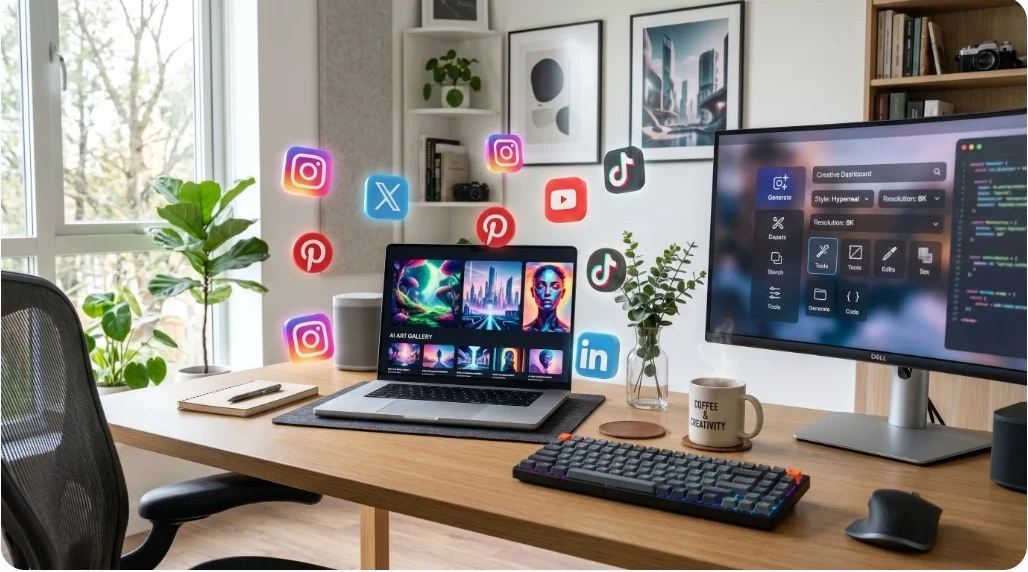
Image Idea #1
AI Prompt:
“A modern home office setup with a laptop displaying AI-generated images, bright lighting, clean desk, social media icons floating around, realistic style, high detail, 1500×1000”
That prompt yielded this image:
Step 1: Choose the Right AI Image Tool
There are a lot of tools out there, but you don’t need to overcomplicate it.
You want something that’s:
- Easy to use
- Fast
- Built for content creators
One option I use is inside Wealthy Affiliate, which includes an AI Image Studio built right into the platform.
I have been hosting my websites since 2014, and learned how to market online, have access to AI tools, and have 24/7 support.
That means you can create images, write content, and publish all in one place.
If you want to see how I create content using AI images step-by-step, check out my full guide here:
👉 [make money online using AI images]
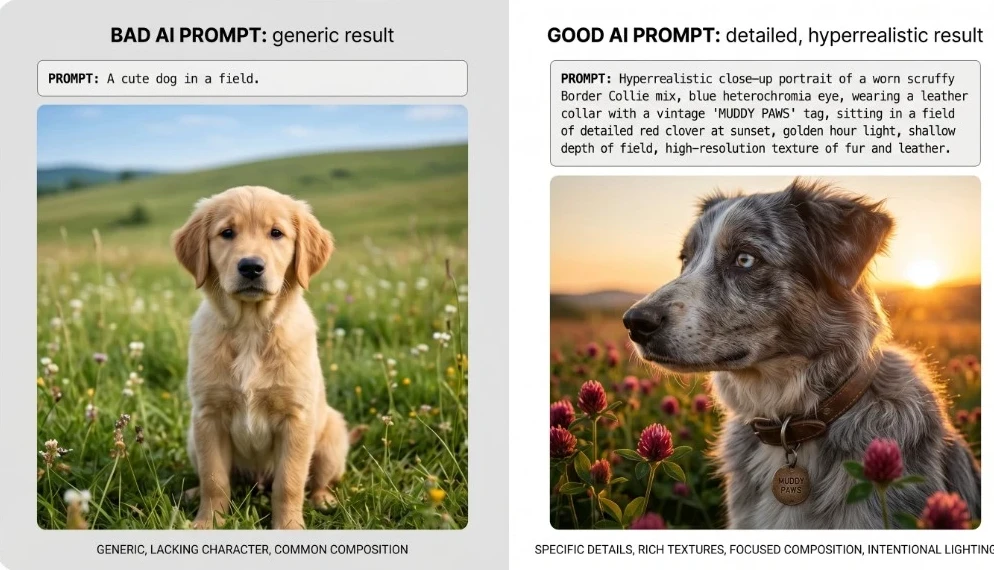
Step 2: Write Better AI Image Prompts (This Is Everything)
The quality of your image depends on your prompt.
Here’s a simple formula:
[Subject] + [Setting] + [Style] + [Mood] + [Details]
Example:
Instead of:
“person working online”
Try:
“A focused man working on a laptop in a cozy home office, warm lighting, modern style, coffee on desk, realistic, high detail”
Big difference.
Image Idea #2
AI Prompt:
“Split image showing bad AI prompt vs good AI prompt results, side-by-side comparison, realistic vs generic, educational style”
That prompt yielded this image:
Step 3: Match Your Images to Your Content Strategy
This is where most people mess up.
They create images, but they don’t connect them to a goal.
Every image should do ONE thing:
- Stop the scroll
- Support your message
- Lead to action
Examples:
- Blog post → Pinterest pin
- TikTok video → AI background
- Facebook post → engaging visual
If your image doesn’t support your content, it won’t convert.
Step 4: Create Content Faster (Without Burning Out)
This is where AI really shines.
Instead of spending hours designing…
You can create:
- 5–10 images in minutes
- Multiple variations of the same idea
- Content for multiple platforms at once
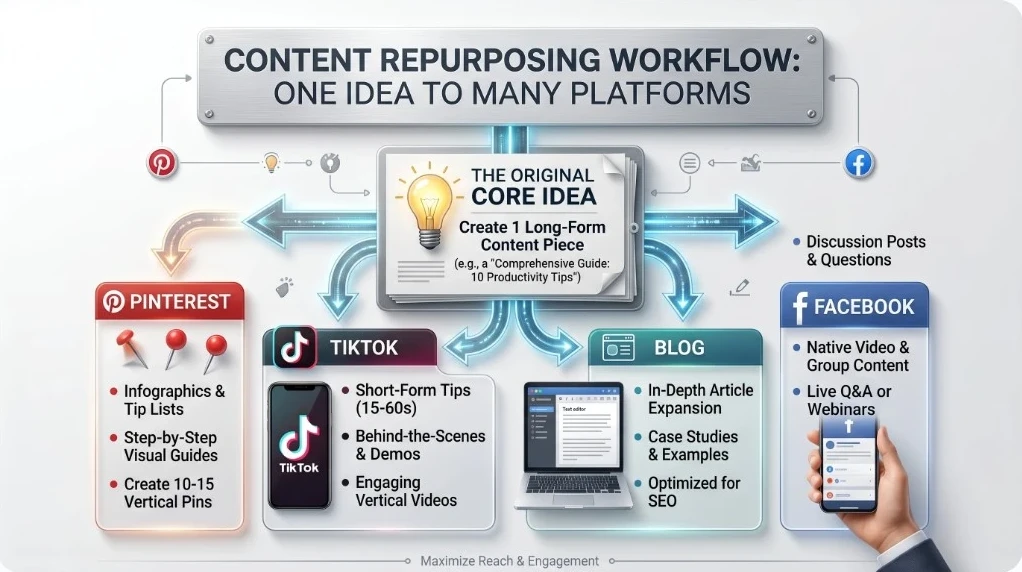
Example Workflow:
- Write one idea
- Create 3–5 AI images
- Turn into:
-
- Pinterest pins
- TikTok videos
- Facebook posts
Now one idea becomes a week of content.
Image Idea #3 (Workflow Graphic)
AI Prompt:
“Content repurposing workflow diagram, one idea branching into Pinterest, TikTok, blog, and Facebook, clean infographic style”
That prompt yielded this image:
Step 5: Turn AI Images Into Traffic
This is the part most people miss.
Images alone don’t make money.
Traffic + strategy = results.
Here’s how to use them properly:
- Link your content to a blog post
- Use clear calls-to-action
- Build trust before selling
If you’re trying to turn content into income, I recommend starting here:
👉 Start With Affiliate Marketing – A Beginner’s Guide
Common Mistakes Beginners Make
Let’s keep this real. Most beginners do this wrong at first.
Mistake #1: Overcomplicating it
You don’t need perfect images, just useful ones.
Mistake #2: No strategy
Posting random images won’t work.
Mistake #3: No consistency
You won’t see results overnight.
Mistake #4: Copying everyone else
If your content looks the same it gets ignored.
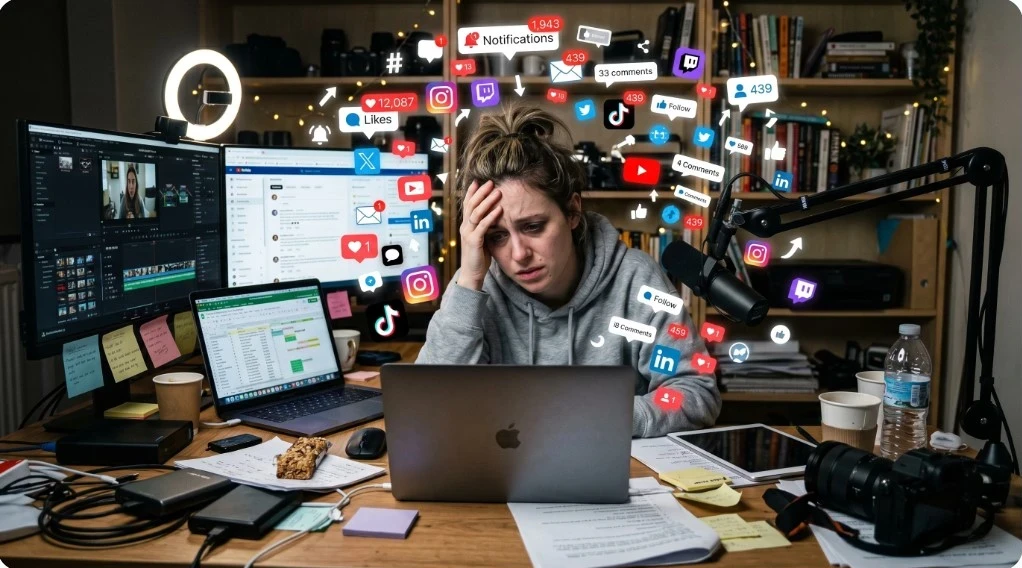
Image Idea #4 (Mistakes Visual)
AI Prompt:
“Person overwhelmed by content creation, surrounded by social media icons, messy workspace, stressed expression, realistic style”
That prompt yielded this image:
How AI Images Help You Make Money Online
Let’s connect the dots.
AI images help you:
- Create more content
- Stay consistent
- Get more traffic
And traffic leads to:
- Affiliate sales
- Email subscribers
- Blog growth
That’s the real goal.
If you want to learn how to turn simple content into income, I recommend checking out Wealthy Affiliate here:
👉 A Complete Guide to Online Marketing and AI
Final Thoughts
AI images aren’t just a trend, they’re a tool.
And like any tool, it depends on how you use it.
If you:
- Keep it simple
- Stay consistent
- Focus on helping people
You can build something real with this.
Start small. Stay consistent. Improve as you go.
FAQ Section
Are AI images allowed on social media?
Yes. Most platforms allow AI-generated images as long as they follow content guidelines.
Do AI images help with engagement?
Yes. Unique visuals often get more attention than stock images.
Do I need design skills?
No. That’s the benefit of AI: it does the design work for you.
Can I make money using AI images?
Yes, but not directly. You need a strategy (like affiliate marketing or blogging).
What’s the best AI image tool for beginners?
Simple tools inside platforms like Wealthy Affiliate work well because everything is in one place.