
Your Blog Has Traffic but No Affiliate Clicks? Fix These Pages First. Let me show you how to optimize your blog for affiliate conversions.
If you want to know how to optimize your blog for affiliate conversions, start with the pages that already have visitors. A post with steady traffic and almost no clicks on its affiliate links is a better place to work than a new post with no readers yet. The fixes are mostly about setup: where the links sit, what the buttons say, how the page loads on a phone, and whether the reader has a reason to trust you.
This article is an audit you can run one page at a time. It covers the site and page setup, and it leaves review wording aside.
Why traffic alone does not pay you: what a conversion actually is on an affiliate blog
On an affiliate blog, a conversion happens in two stages. First, a reader clicks your affiliate link and lands on the merchant’s page. Then, sometimes, that reader buys, signs up, or does whatever the program pays for. You are paid for the second stage, but you can only control the first.
That is why the first stage is the one to measure. The click-through rate on a page is the number of affiliate link clicks divided by the number of visitors to that page. If 500 people read a post and 10 click, that is 2 percent. The numbers are only an example, but the arithmetic is how you compare one post with another.
Once a reader reaches the merchant, the merchant’s page does the rest. Your job is to send the right people there, with the right expectations, in a way that feels easy. A page with a lot of visitors and a low click-through rate has a problem somewhere between “the reader arrived” and “the reader clicked”, and that stretch is what the rest of this audit covers.
Find your three best pages to fix: spotting posts with visitors but few clicks
Make a simple list of your posts with two numbers beside each: visitors over the last 30 to 90 days, and affiliate link clicks over the same period. Your analytics tool gives you the visitors. For clicks, check the dashboard of your affiliate program or network, since many of them report clicks as well as sales. A link-tracking plugin or event tracking in your analytics tool works too, as long as you use the same source for every post.
I like Google Search Console and Google Analytics for these tasks.
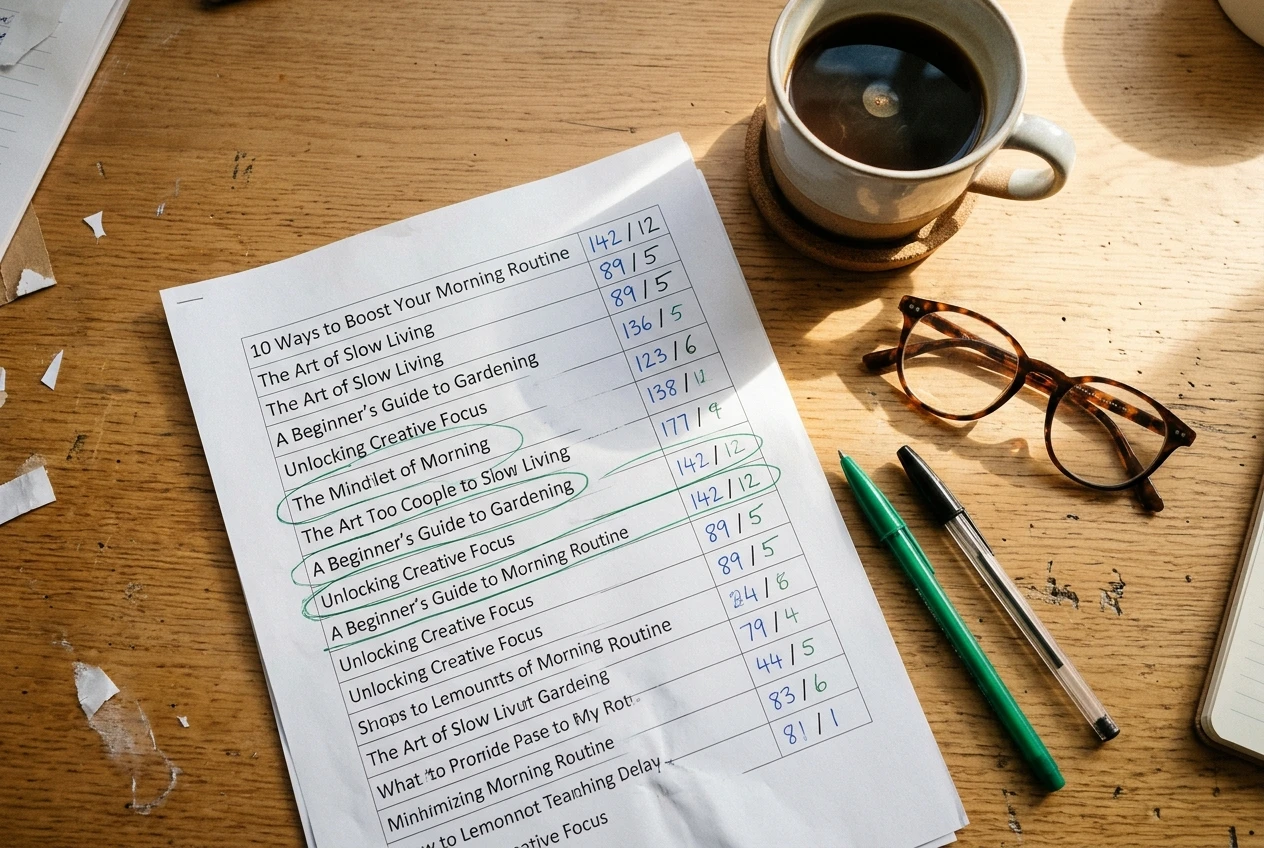
Then sort the list by visitors, highest first. Look down it for posts where the visitor count is healthy, and the clicks are close to zero. Those are your candidates.
Before you pick three, check two things:
- The post has an affiliate link. Some high-traffic posts are informational and never mention a product. Adding a relevant recommendation there is a separate decision from fixing a link that nobody clicks.
- The traffic matches the topic. A post can rank for a search that attracts readers who are only looking for a definition. Search Console shows which queries bring people to the page. If the queries have nothing to do with buying, the page may never convert well, and you should pick a different one.
Choose the three pages with the most traffic that pass both checks. Write down their current visitors, clicks, and click-through rate. This is your baseline, and every later change gets compared against it.
Put your links where readers are ready to act
Many affiliate links sit in one place: a single mention somewhere in the middle of a long post, or a pile of links at the very bottom. Readers decide at different points, so a page works better when a link is available at each of those points.
Open your first page and check these positions:
- Near the top. A reader who already knows what they want should not have to scroll through 800 words to find the link. A short recommendation or a “my pick” line on the first screen of the post gives them a way in.
- Right after you describe a feature or a result, the moment a reader thinks “that sounds useful” is the moment a link makes sense. A link placed three paragraphs later arrives after the interest has gone.
- At the end of the post. Readers who finish an article are often ready to act, and many pages leave them with nothing to click.
More links are not automatically better. Five links to the same product in one short section look pushy and make the page harder to read. Two or three well-placed links to a product, spread through a long post, usually serve the reader better than a cluster.
Also check that the link goes where the reader expects. If the text says “see the full pricing” and the link opens a general homepage, you lose the click you just earned, or the sale after it.
Write button and link text that tells people what happens next
Link text that says “click here” or “this link” gives the reader no information. Text that names the destination or the action tells them what they will see, which makes the click feel safer.
Compare these:
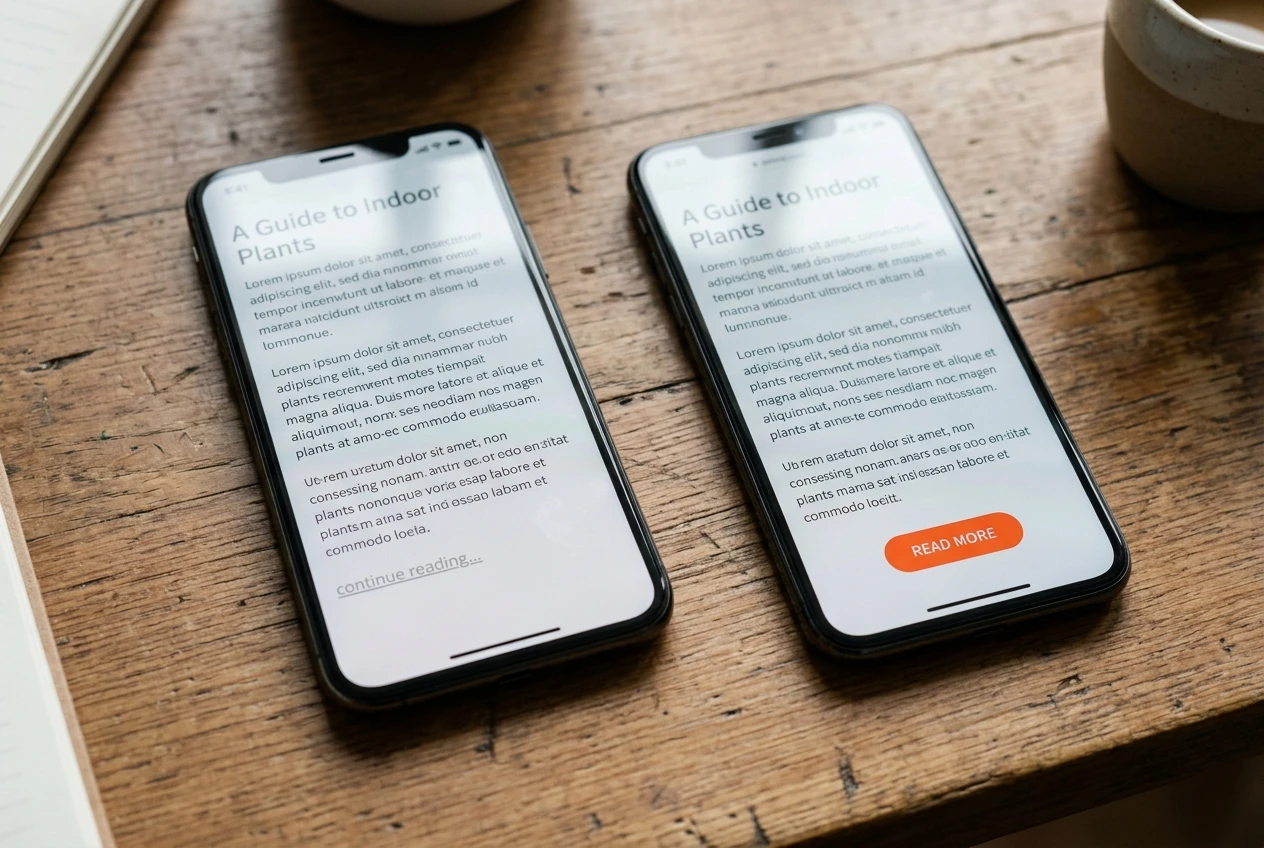
- “Click here” versus “See the current plans on the provider’s site”
- “Buy now” versus “Check today’s price”
- “Learn more” versus “Read what’s included in the starter plan”
The second version in each pair describes what happens after the click. If the next page shows pricing, say pricing. If it opens a free trial signup, say that it is a trial signup. A reader who clicks expecting a price list and lands on a signup form often leaves at once, and you will not see why in your numbers.
Buttons deserve their own check. A button should look like a button: a clear color against the page background, enough padding to tap with a thumb, and wording of a few words rather than a sentence. Use the same style on every post, so readers learn to recognize it. Plain text links should be underlined or colored so they are obvious inside the paragraph.
If your review wording needs work as well, the post on how to write affiliate product reviews people trust covers that side. Here, keep to the link and button text.
Make the page easy to use on a phone and quick to load
Check how your page behaves on a phone before anything else in this section. Many readers arrive on a phone, and a page built on a desktop can fail there in small ways that cost clicks.
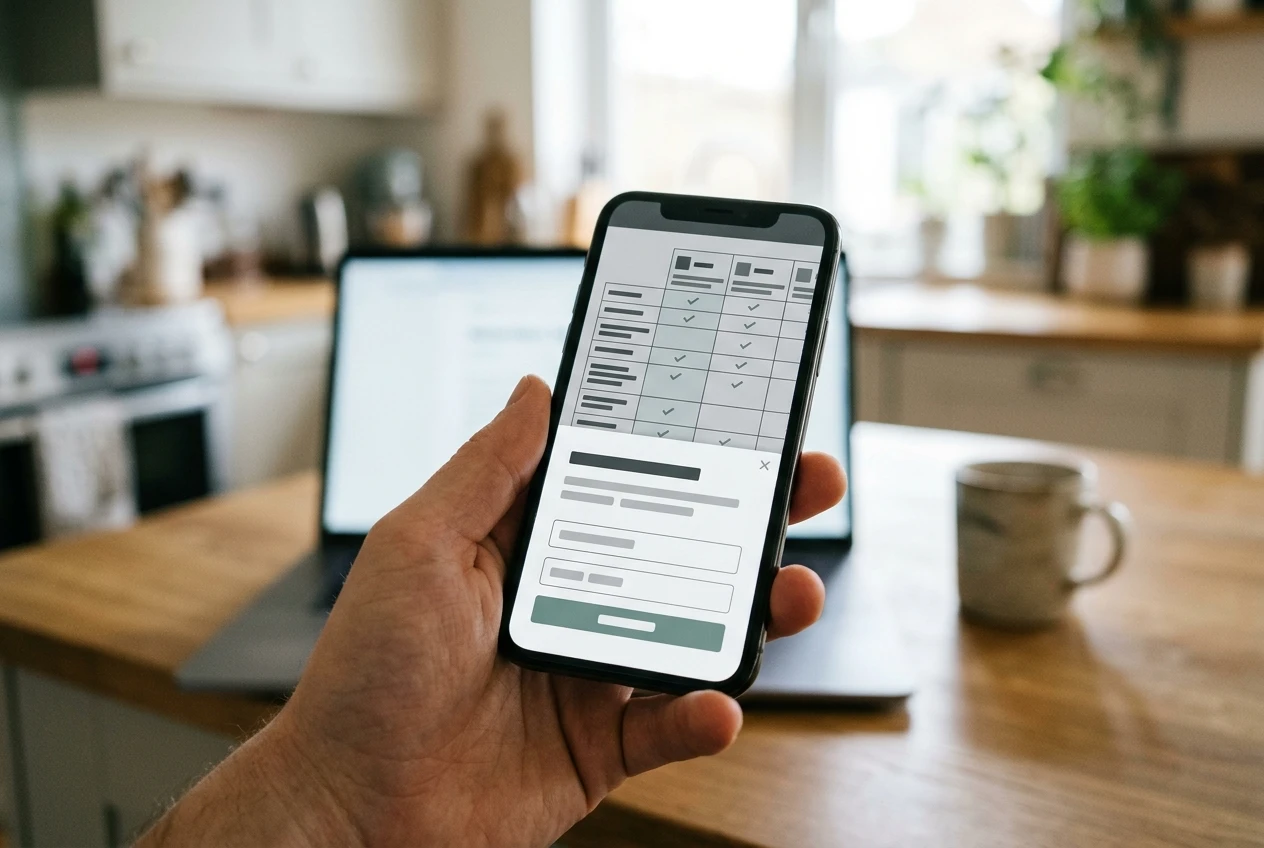
Open your first page on your own phone and go through this list:
- Tap targets. Can you tap a button without hitting the link next to it? Buttons and links need space around them.
- Tables. Wide comparison tables often shrink to unreadable text or force sideways scrolling. If yours does, consider replacing it with a short list, or with one block per product.
- Pop-ups and banners. A newsletter pop-up or a cookie banner that covers half the screen can block the link you want people to tap.
- Paragraph length. A long block of text on a narrow screen looks like a wall. Two to four sentences per paragraph keeps the page scannable.
- Position of the first link. Scroll once on the phone. Is there a link or button in what you see before you reach the end of the second screen?
Speed matters because readers leave pages that take too long to appear. Run the page through Google’s PageSpeed Insights, which is free, and read the suggestions it lists for your page. For a typical blog, the most common causes are large images, too many plugins, and heavy page builders. Resizing and compressing images is often the easiest fix, and it does not change how the page reads.
Make one speed change at a time, then check the report again. If you change five things together, you will not know which one helped.
Add the trust details that make a reader comfortable clicking
A reader who is about to leave your site for a merchant’s wants to know that your recommendation is honest. Several details on the page help answer that.
A clear affiliate disclosure. Tell readers that you earn a commission if they buy through your links. In the US, the FTC expects the disclosure to be clear and placed where readers will see it, which means near the links rather than buried in a footer. A short sentence at the top of the post is enough.
An about page and an author line. Readers like to know who is writing. Say who the site is for and what it covers, and put a short line under each post saying who wrote it. Only state what is true; if you have no particular credentials in a topic, do not claim any.
Honest downsides. A recommendation with no drawbacks reads like an advertisement. Naming who a product is not suited for makes the rest of your advice easier to believe. It can also reduce refunds and unhappy buyers on the merchant’s side.
Dates and updates. An old post with outdated prices or features makes readers doubt everything on the page. Show when the post was last updated, and actually update it when details change.
Real images. Your own photos or screenshots, where you have them from real use, say more than generic stock pictures. If you do not use the product, do not imply that you do.
Add or fix one of these per page. Do not rewrite the whole post to do it.
Change one thing at a time: a simple way to test and track what worked
If you change the link position, the button wording, and the images on one page in the same week, and clicks go up, you cannot tell which change did it. If clicks go down, you cannot tell either. So change one thing per page, then wait.
A simple routine:

- Record the baseline. For each of your three pages, note visitors, clicks, and click-through rate for the previous period, such as the last 30 days.
- Make one change. Pick the item from this audit that looks most likely to matter on that page, such as a missing link near the top.
- Write it down. Keep a simple spreadsheet with the page, the date, what you changed, and the baseline numbers.
- Wait. Let the page collect visitors for at least two weeks, longer if the page gets little traffic. A few days of data can swing either way by chance.
- Compare like with like. Look at click-through rate, not raw clicks, because traffic goes up and down for reasons unrelated to your change.
- Keep or undo. If click-through rate rose and stayed higher, keep the change and move to the next item. If it fell, reverse it.
Small differences on low-traffic pages are weak evidence. If a page only gets a few visitors a week, a single extra click can look like a big improvement. Give those pages more time, or put your effort into pages with more readers.
A 30-minute weekly routine to keep improving your best pages
Once the first round is done, a short regular check keeps the work going. Here is one way to split 30 minutes:
- Minutes 1 to 10: check the numbers. Open your spreadsheet and update visitors, clicks, and click-through rate for the pages you changed. Note any page whose traffic changed sharply.
- Minutes 11 to 20: make the next single change. Choose one page where the previous test has run long enough, then apply the next fix from the audit: link position, button text, speed, mobile layout, or a trust detail.
- Minutes 21 to 30: look for the next candidate. Scan your post list for another page that has gained visitors but still has few clicks, and add it to the queue.
Over time, the queue is made of pages that deserve attention because readers are already there. Your older, best-performing posts also tend to need small updates: a changed price, a discontinued product, a broken link. Checking links each week catches those before readers do.
This routine is deliberately small. It fits around a job or a retirement schedule, and it works because it happens every week rather than in one big push.
Pick your three highest-traffic posts this week and run the audit on them, changing only one thing per page so you can see what moves your clicks.
Good luck!