
Free vs Paid AI Image Tools: Why I Chose Wealthy Affiliate
Trying to decide between free and paid AI image tools? I’ve used both, and here’s what actually works (and why I ended up choosing Wealthy Affiliate).
If you’ve been looking into AI image tools lately, you’ve probably noticed something:
👉 There are a lot of options.
Some are free.
Some are paid.
Some look amazing until you actually try to use them.
And before long, you’re juggling tools, subscriptions, and logins just to create a few images.
I’ve been there. I tried to use ChatGPT to create realistic images, especially when the text in the images was never correct.
So let’s simplify this.
In this guide, I’m going to break down:
- Free vs paid AI image tools
- What actually matters (and what doesn’t)
- And why I personally use Wealthy Affiliate instead
The Real Problem With AI Image Tools
Most people think the problem is:
👉 “Which tool is the best?”
But that’s not really the issue.
The real problem is this:
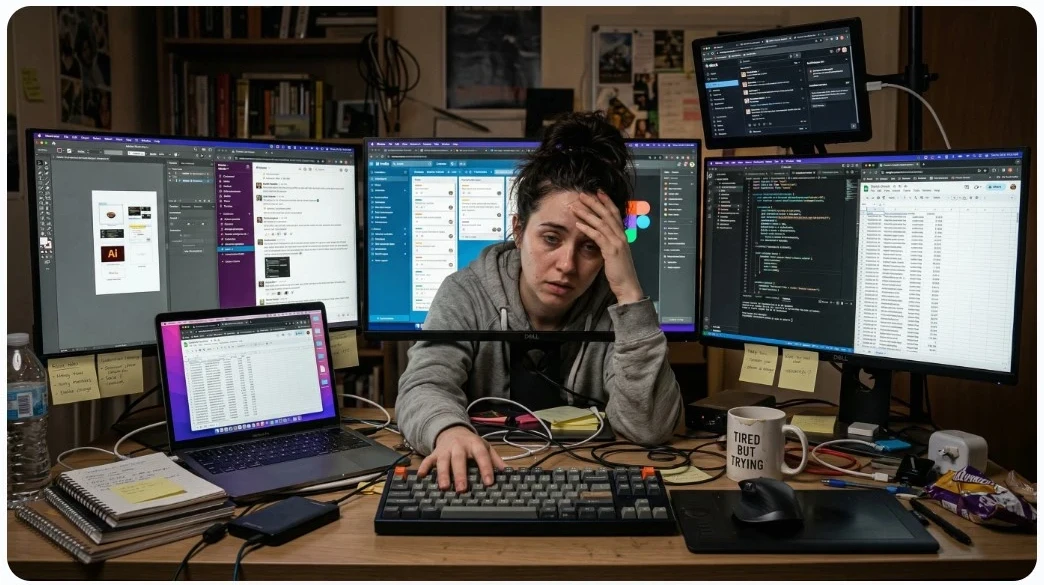
👉 Too many tools = no system
You end up with:
- One tool for images
- One for writing
- One for your website
- One for training
And nothing connects.
That slows you down, and most people quit.
Free AI Image Tools (Pros and Cons)
Let’s start with free tools.
They’re appealing for obvious reasons.
👉 No cost.
But there’s always a trade-off.
👍 What Free Tools Do Well
Some popular examples include:
- Canva (free version)
- DALL·E (limited image creation credits)
They’re good for:
- Testing ideas
- Learning how AI works
- Creating basic images
👎 Where Free Tools Fall Short
Here’s what most people run into:
- Limited generations
- Watermarks or restrictions
- Lower-quality outputs
- Constant upsells
👉 And eventually you hit a wall.
Paid AI Image Tools (Pros and Cons)
Now let’s talk about paid tools.
These are where things start to look more “professional.”
👍 What Paid Tools Do Well
Tools like:
- Midjourney
- Canva Pro
- Wealthy Affiliate Image Studio
Offer:
- Higher-quality images
- More control
- Better customization
👎 The Hidden Downsides
Here’s what most beginners don’t expect:
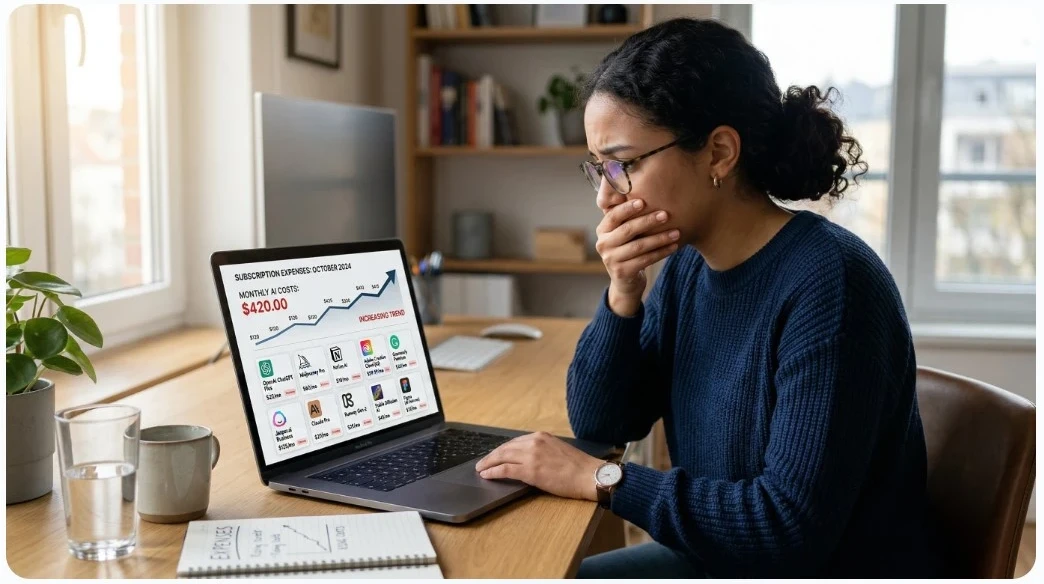
- Monthly subscriptions can add up
- Learning curve (especially with advanced tools)
- Still disconnected from your workflow
👉 You end up paying for things you may not even need.
What Most Beginners Actually Need
Let’s cut through the noise.
You don’t need:
- 10 tools
- Advanced design skills
- Perfect images
👉 You need:
- A simple system
- Consistency
- Speed
Because in an online business or affiliate marketing, the goal is:
👉 Create online content → Get traffic → Make money
Not:
👉 “Become a professional designer.”
Why I Use Wealthy Affiliate Instead
This is where things clicked for me.
Instead of trying to piece everything together…
Back in 2014, I started using Wealthy Affiliate as my main platform.
Here’s why:
✅ 1. It’s All-in-One
Inside Wealthy Affiliate, you get:
- A Website Builder
- Website Hosting and URL purchases
- Training: online video, articles, and community/owner support
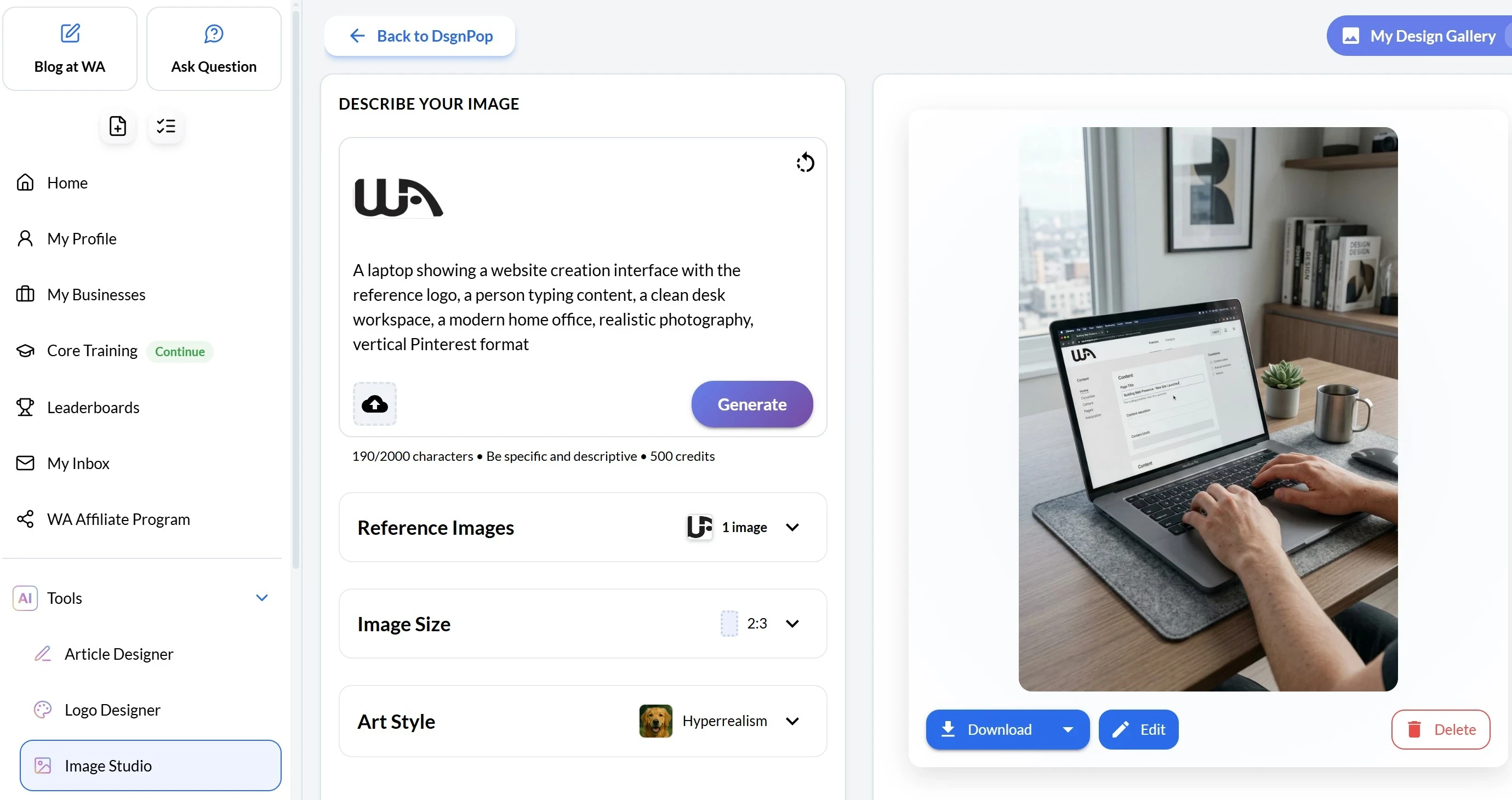
- AI tools (including image creation)
👉 Everything works together.
✅ 2. No Tool Hopping
This is huge.
Instead of:
- Creating images in one place
- Uploading to another
- Editing somewhere else
👉 You just stay in one system and get work done.
✅ 3. Built for Affiliate Marketers
This isn’t a general design tool.
👉 It’s built specifically for:
- Bloggers
- Online content creators
- Affiliate marketers
That makes a big difference.
✅ 4. Saves Time (Which Leads to Results)
The faster you can create content…
👉 The more consistent you’ll be.
And consistency is what actually makes money online.
Does This Mean Free or Paid Tools Are Bad?
Not at all.
They have their place.
I have the most success with my content creation, pairing the paid version of ChatGPT with Wealthy Affiliate! This helps me create content for my website, Pinterest, and Facebook. I also use an Wealthy Affiliate to help grow my social presence through video.
Use free tools if:
- You’re just experimenting
- You want to learn the basics
Use paid tools if:
- You need advanced control
- You’re doing higher-end design work
👉 But if your goal is to build an online business, you need a system and not just tools.
How I Use This in My Daily Workflow
Here’s exactly what I do:
- Write a blog post for my website
- Create 3–5 images inside the Wealthy Affiliate AI Image Studio
- Create Pinterest pins with the Wealthy Affiliate AI Image Studio
- Create images and videos for TikTok
- Create Shorts for YouTube
- Publish and move on
That’s it.
Simple. Repeatable. Effective.
👉 And that’s how I stay consistent without getting overwhelmed. Each day, I spend a little time sharing content across these social platforms by creating content within Wealthy Affiliate.
And again, I have been doing this since 2014! Let me show you how you can too. Read on!
Internal Links You Should Check Next
To get the full picture, I recommend reading:
- 👉 How Does Affiliate Marketing Work for Beginners?
- 👉 Wealthy Affiliate AI Image Studio Review: Is It Worth It? (2026)
- 👉 Is Wealthy Affiliate Legit or a Scam?
These will connect everything together.
🔥 FAQ Section
Frequently Asked Questions About AI Image Tools
Are free AI image tools good enough for affiliate marketing?
Yes, free AI image tools are good enough to get started. You can create basic blog images and test ideas without spending money. However, most free tools have limits, and if you’re creating content consistently, you’ll eventually need a more reliable system.
What is the best AI image tool for beginners?
The best AI image tool for beginners is one that’s simple and doesn’t require design skills. Tools built into platforms like Wealthy Affiliate are often easier to use because everything is in one place, including training to use the website tools.
Do I need to pay for AI image tools to make money online?
No, you don’t need to pay at first. But as you grow, paid tools or all-in-one platforms can save time and improve efficiency. The key is consistency, not having the most advanced tool.
How do AI images help with affiliate marketing?
AI images help attract attention, increase engagement, and improve click-through rates. They make your blog posts, Pinterest pins, and social content more visually appealing, which can lead to more traffic and higher conversions. The images in this article have been created through the Wealthy Affiliate AI Image Studio.
Is Wealthy Affiliate’s AI Image Studio worth it?
If you’re already building an affiliate marketing business, yes! It’s one of the most sophisticated and easy-to-use AI image tools, and it’s built into a system that includes training, hosting, and content tools, making it very practical for beginners.
What’s better: one all-in-one platform or multiple AI tools?
For beginners, an all-in-one platform is usually better. It reduces being overwhelmed, saves time, and helps you stay consistent. Advanced users may prefer multiple tools, but most people don’t need that level of complexity.
Final Thoughts: Keep It Simple
Most people get stuck because they overcomplicate things.
Too many tools, too little training!
Too many options.
Too much thinking and procrastinating.
👉 The goal isn’t perfection.
👉 The goal is progress + consistency
👉 Ready to Simplify Everything?
If you want:
- AI image creation
- Website + hosting
- Step-by-step training
- One simple system
👉 Start here:
👉 [Join Wealthy Affiliate and Get Started]