
AI video personalization has changed the game for content creators, brands, and anyone hoping to keep viewers tuned in. I’ve seen firsthand just how much personalized video content can grab attention, boost clicks, and get people talking.
Instead of a one size fits all approach, AI can help deliver videos that actually speak to each viewer, keeping them engaged way longer. Here, I’m laying out what makes AI video personalization really interesting, how it works, the tools you’ll want to check out, plus a chunk of tips and answers to common questions if you’re just starting out.

Why AI Video Personalization Actually Matters
Watching content that feels like it was made just for you can be super compelling. That’s where AI video personalization shines. Traditional videos treat everyone the same, but AI-driven personalization mixes things up. It uses data and clever algorithms to change videos based on who’s watching.
You might see your name pop up in a greeting or suggestions that line up with your interests, all seamlessly built into the video as you watch.
The results are pretty clear. Personalized videos can increase viewer retention and even lead to higher click through rates. For businesses, I’ve noticed this translates into better customer conversion.
People stick around longer and are more likely to react to a message that feels like it fits their needs or interests. And it’s not just about sales. Education, entertainment, and training videos all get a boost when the content feels personal and relevant.
Video personalization powered by AI also helps brands stand out in a busy marketplace. When your audience feels seen and heard, trust builds much faster. That personal touch helps videos break through the noise, leading to more shares and a bigger impact altogether.
Plus, in today’s world where users get bombarded with generic ads and cookie cutter videos, even a small personal touch can turn a viewer into a fan of your brand or channel.
How AI Video Personalization Works
The backbone of AI video personalization is data. AI combines user information, such as location, past viewing habits, and even the device being used, to tailor content.
Personalized videos draw on all this info to create messages that match the viewer’s background, preferences, and behavior. This level of customization gives your content a unique edge and opens the door to a more meaningful connection with your audience.
Machine learning models come into play by analyzing what keeps viewers watching. AI studies which scenes get skipped, which parts get rewatched, and even what time of day viewers are most active. This feedback loop helps the system shape content that fits every individual user more closely every time.
As more data gets collected, the AI gets better and better at tailoring recommendations, pacing, and even the tone of a video, ensuring content feels fresh and relevant the next time someone tunes in.
Some AI systems now let creators choose from preset templates or automatically generate personalized intros, product recommendations, or calls to action. For example, if you get a personalized greeting at the start of a product demo, you’re seeing AI in action.
Video ads can also insert the viewer’s name, interests, or local information into the content on the fly, which makes those ads less annoying and way more useful. It’s an approach that blends smart tech with the human touch, making marketing and educational messaging more conversational and memorable.
Getting Started with AI-Powered Personalized Video
Setting up AI video personalization isn’t out of reach for most people. I found it helpful to start small, using tools that offer basic personalization before getting into more advanced customizations. Here are some beginner-friendly steps to help you kick things off:
- Define Your Audience: Figure out who you want to target and collect relevant info. This might be names, locations, purchase history, or favorite topics.
- Pick the Right Tool: Choose AI video platforms that have drag-and-drop personalization or automatic options. Some popular platforms include HeyGen, Idomoo, Vidyard, and Personalize Video.
- Create a Script Template: Use placeholders for things you want AI to customize, like [Name] or [Product Interest]. ChapGPT is very helpful in creating video scripts.
- Test Your Video: Preview how the video changes with different data and make sure everything flows naturally for every viewer type.
- Collect Feedback: Check what viewers are saying and look at your stats to see what’s working. Tweak as needed.
These steps help you lay a solid foundation so your videos connect with viewers right from the jump. AI tools don’t need to be complicated, and plenty of platforms now walk you through the process in everyday language. As you experiment, you’ll get a sense of which features move the needle most for your goals.
Key Features and Real World Examples
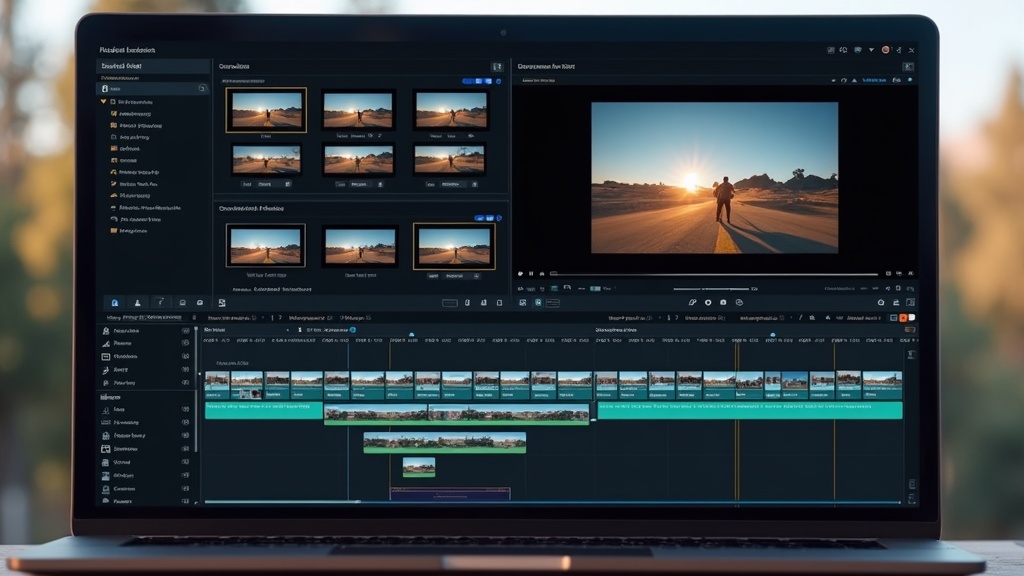
AI video personalization shows up in lots of clever ways across different industries. Some features you’ll see in a good AI video platform include:
- Dynamic Text and Voice: Automatically insert names, locations, or unique offers right into your video’s visuals or spoken words.
- Interactive Elements: Let users pick what they want to see next, creating a “choose your own adventure” feel that’s driven by AI predictions.
- Adaptive Storylines: Change the order or focus of scenes based on the viewer’s background, so each person’s experience highlights different products, benefits, or messages.
- Real Time Updates: Pull in fresh offers or news as viewers watch, so your videos always stay current for each person.
I’ve seen ecommerce brands use AI personalization to create product recommendation videos that greet each user by name while showcasing items chosen just for them. In online learning, personalized explainer videos often address students by name and adjust the lesson difficulty to match their performance.
Even the fitness industry is in on this, sending personalized encouragement videos to users based on their recent workout data. And in travel or real estate, AI personalized videos can show properties and destinations aligned with the viewer’s known interests or browsing habits, helping decision-making feel natural and exciting.
Things to Know Before Investing in AI Video Personalization
There are a few things you’ll want to watch for if you’re thinking of adding AI video personalization to your toolkit. Here are some helpful pointers:
- Privacy and Data Security: You’ll need clear consent for data collection. Make privacy part of your content plan to build trust and protect your brand.
- Content Quality: Even with AI, you still want your core message to come through clearly. Avoid relying too much on automation, and always do a final review of how your personalized clips look and sound.
- Tech Compatibility: Some platforms work only with certain video formats or require specific integrations. Double check compatibility before signing up or designing new campaigns.
- Costs and ROI: AI-powered personalization saves time by automating repetitive tasks, but upfront costs can add up. Compare several options, keeping your goals and audience size in mind.
Testing the waters first with a pilot project is often a smart move. Run a few small campaigns to see what value personalization really brings to your audience before rolling out a larger strategy. Don’t forget, audience expectations evolve fast, staying on top of new tools and features is a big part of making your investment pay off over time.
Advanced Tips and Tricks for Better Viewer Engagement
Once you’ve got the basics down, you can start to get creative and dig a little deeper. These tips help your videos stand out and keep viewers hooked:
Use Behavioural Triggers: AI can change videos based on what viewers did last time. For example, an online shop might show different deals to viewers who looked at shoes last week compared to those who only browsed shirts.
Experiment with AB Testing: Play around with different intro lines, visuals, or calls to action to see which versions get more views or conversions. AI tools often handle the tracking for you, making experiments easier.
Make the Most of Real Time Analytics: Go beyond simple stats. Some AI systems update your campaigns on the fly based on what’s working in real time, optimizing for peak engagement without any manual labor. You can see what works instantly and make changes that really count.
Keep Accessibility in Mind: Personalized content boosts engagement even more when everyone can access it. Add captions, audio descriptions, or adjustable playback speeds to reach more viewers. The more inclusive your videos are, the bigger your potential audience and the longer they’ll stick around.
Personalization Tools Worth Checking Out
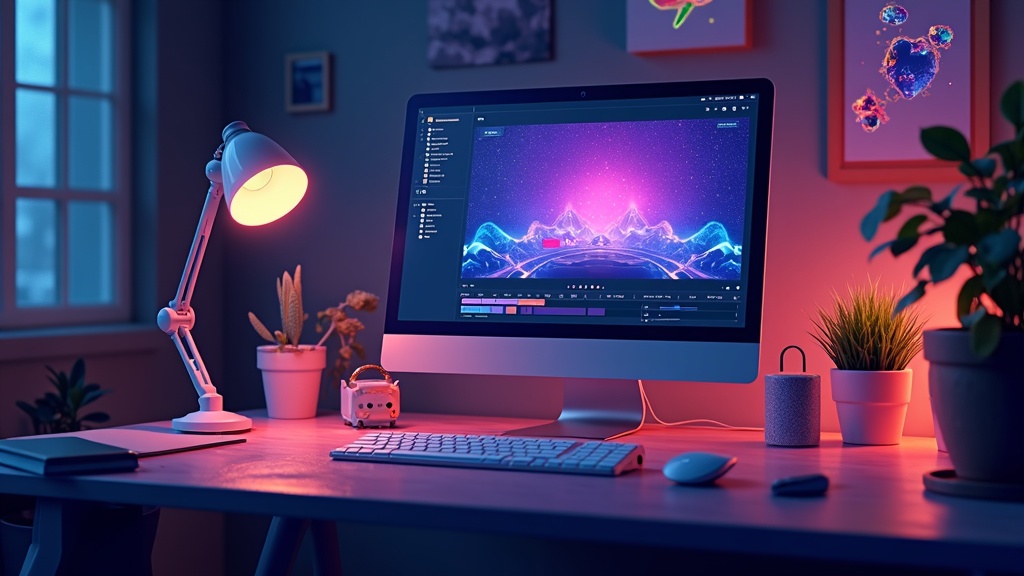
A bunch of AI video personalization tools make this tech accessible, no matter your skill level. Here are some platforms I recommend exploring:
- Idomoo: Great for personalized customer updates or onboarding videos. It supports dynamic data and scales up for big campaigns.
- Vidyard: Makes it simple to add personal touches to sales and marketing videos, with integrations that fit right into email and CRM tools.
- Personalize. Let’s creators craft dynamic videos with user-driven paths, perfect for interactive demos and tutorials.
- SundaySky: Specializes in large-scale retail, HR, and financial industry use, with advanced analytics baked in.
- Synthesia: Turns scripts and data into realistic AI avatar videos, super useful for explainer content and internal training material.
Most of these services have free demos or trial periods, so you can get a feel for what works before making any commitments. It’s a smart move to try a couple, compare ease of use, and track down the features that suit your project’s needs. The AI video personalization landscape is evolving quickly, so keep an eye out for updates and new innovations that can boost your content’s impact.

Frequently Asked Questions (FAQ)
Here are some common questions people have about AI video personalization:
Question: How does AI personalization actually change the video for each viewer?
Answer: AI uses information like names, interests, or location provided by the viewer (or collected with permission) to edit and update video content on demand. This personal touch happens automatically, sometimes even in real time.
Question: Is AI video personalization only useful for marketing?
Answer: Not at all. It works for education, onboarding, customer support, entertainment, and even personalized news briefs. Anywhere people want tailored information, video personalization adds value.
Question: What do I need to get started with personalized videos?
Answer: Start with a video idea and a list of what you want to personalize (like viewer names). Use a platform that supports data-driven templates and follow their simple setup guides. No advanced tech skills needed.
Question: Does video personalization raise any privacy concerns?
Answer: It’s really important to use data responsibly. Always ask permission for personal data, let viewers know how their info is used, and stick to privacy best practices.
Question: Can personalized video campaigns work for small businesses?
Answer: Yes, they can actually help small brands stand out by adding a creative, personal touch that makes customers feel noticed and valued. Many tools are affordable and easy to use.

If you want to see an example of a video I created using my favorite AI video creation, check out this post!
If you want to know more about Howard, click here!