
AI tools have totally changed how I plan and produce video. Using artificial intelligence is not just for tech wizards or big production teams. Pretty much anyone working on video content can get a ton of value from AI these days.
No matter if you’re a solo creator, a marketer, or part of a corporate team, knowing how to put AI to work can help you create high quality videos faster and with less stress.
How AI is Transforming Video Content Strategy
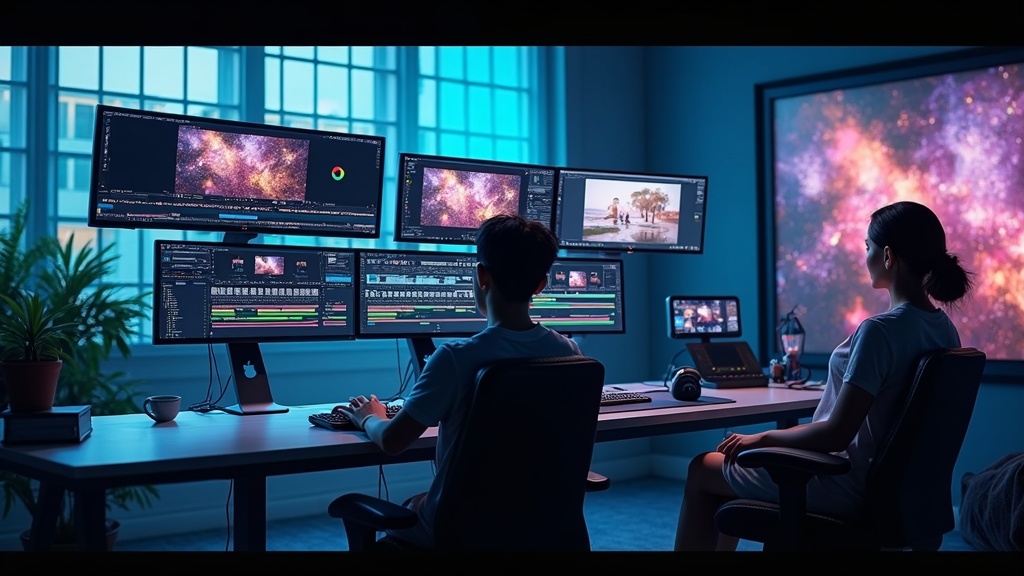
AI has made a big splash in the world of video strategy. A few years ago, tasks like editing, scripting, and even creating simple animations took a huge amount of time. Now, with tools powered by AI, those jobs are much faster. This allows creators to focus more on creativity and less on repetitive work.
Brands and creators are seeing stronger results with less effort. For example, I often use AI-driven video editors to automate scene changes and add effects with just a click. It saves hours. Marketers use AI analytics to test which types of videos connect best with an audience. Social platforms themselves now rely heavily on AI to recommend trending video styles, making it easier to hop on new trends quickly.
These advances make it possible for small teams to compete with much bigger players. All kinds of companies, from household names to small businesses, are using AI to boost engagement and save time on video work.
The landscape keeps evolving as more easy-to-learn tools arrive, helping video makers break through old barriers. Whether you’re building a brand from scratch or just looking to refresh your content, the energy and ideas that AI brings can really set you apart.
Getting Started with AI Tools for Video
Getting into AI for video doesn’t mean you need a PhD. Many tools are simple to use right away. Here are a few basic types that I recommend checking out first:
- AI video editors: These platforms cut, arrange, and even color-correct footage automatically. I like using these if I have a lot of clips and want a quick way to build a draft.
- AI script generators: Great for overcoming writer’s block, these tools suggest or even write full scripts once you provide some details or a topic. They come in handy when I’m out of ideas or need to make content quickly.
- Text-to-speechAI-generated: You can create natural-sounding voiceovers for explainer videos or social posts.
- AIdriven animation tools: Some platforms will animate characters or add graphics to video, following simple instructions or even plain descriptions.
Learning these tools is pretty straightforward. Most have free tutorials built in, and there’s a lot of guidance online. Testing a few different ones helps you figure out which suits your workflow best.
Smart Planning: Building AI Into Your Video Strategy
AI only works well if you have a plan. I find it helps to set up a few key steps in my process:
- Start with goals: Decide what you want your video to do. Is it getting clicks, generating leads, or helping viewers learn something new? Clear goals keep you focused.
- Pick the right tools: Use AI tools that match your goals. For quick edits or social shorts, video editors are super useful. If you need bulk content, script generators can help you scale.
- Test and review: Always watch the first AI-generated draft carefully. Sometimes the output needs a personal touch, or you might spot small errors. Finetuning helps keep content on brand.
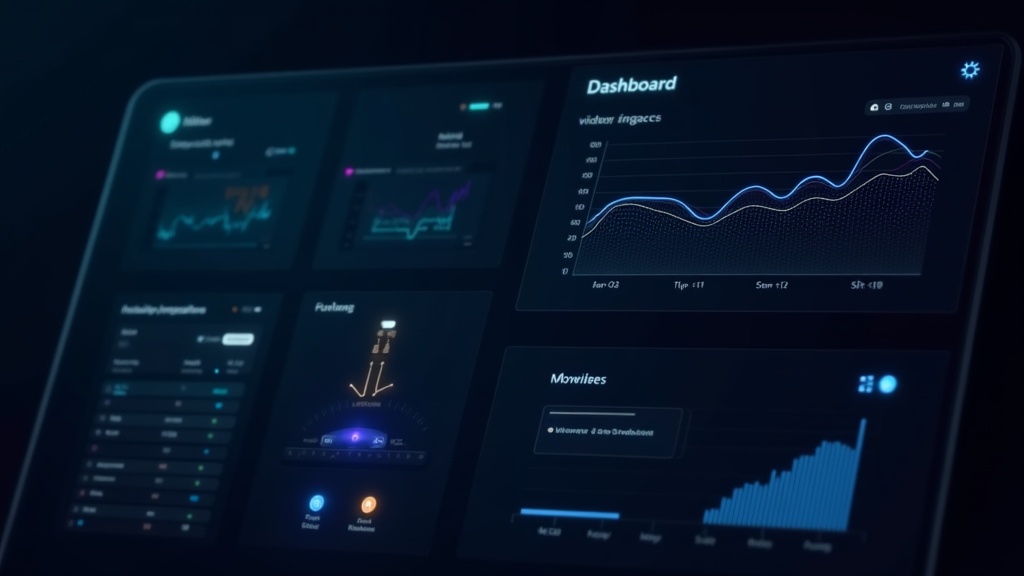
- Measure results: Track how your videos perform. Most social and video platforms share analytics you can use to see what’s working. AI-based analytics tools can break down this data and give advice on what to try next.
- Refine and repeat: Use what you learn to improve future videos. Small adjustments make a big difference over time.
Mapping out your video process this way helps you make the most out of what AI can offer, and it saves a lot of trial and error down the road.
Common Challenges and How to Tackle Them
Like any new workflow, using AI in video content strategy comes with a few hurdles. Here’s how I deal with them:
- Quality Control: AI is smart, but it isn’t perfect. Sometimes it cuts a scene awkwardly or makes a script sound odd. Always review and fine tune AI output before publishing.
- Overreliance: It’s tempting to let AI handle everything, but keeping a personal or human touch is really important. Audiences can usually tell if something feels too robotic. Adding custom intros, branding, or comments helps maintain connection.
- Bias and fairness: Some AI tools have biases baked in from the data they were trained on. Watch for this, especially if you use automatic captioning or summary tools in sensitive topics. Editing by hand helps catch problems early.
- Keeping up with tech: AI tools change fast. I recommend following industry blogs or signing up for newsletters to keep up with the latest good stuff. There’s always something new to try, and sometimes it’s even free.
Quality Control in Practice
Sometimes I’ll run the same footage through two or three different AI editors just to compare results. Some tools miss small details or make weird cuts when scenes change quickly. Doing a quick check by hand almost always makes the end product stronger.
Adding Human Touch
If you’re worried about your videos sounding too robotic, try recording brief unscripted commentary. Even a short personal intro makes an AI-generated video feel more authentic.
How AI Can Level Up Different Types of Video
AI tools are super versatile, and I use them for more than just editing. Here are some examples of where they make a huge difference:
- Social media videos: AI can help repurpose long form content into short, punchy clips tailor made for TikTok, Instagram, or YouTube Shorts. Perfect for staying on trend without lots of extra work.
- Explainer videos: Script generators and text-to-speech tools make these easy, even with a small team.
- Product demos: AI can automatically highlight key features, add motion graphics, and create step-by-step animated guides.
- Training modules: AI-powered voiceovers and edits let you roll out lots of quick updates as products or policies change.
Being able to experiment with different types of video content using these tools keeps things fresh and attracts different audiences. There’s also potential to reach new viewers who prefer visual formats or short clips, expanding your platform’s reach and influence over time.

Boosting Results: Tips for Getting More from AI Video Tools
Making the most of AI-powered video is all about working smart. I stick to a few habits to get better results:
- Train your AI (when possible): Some editors let you set preferences, like favorite transitions or brand colors. Take a minute to adjust settings so your videos look and sound like you.
- Look for integrations: Several AI tools connect to social media platforms, project management apps, or script libraries. This saves steps and makes publishing faster.
- Mix and match: Sometimes using two tools together works better. I’ll write a script with one AI tool, then paste it into a video editor for automated video generation. Trying different combos reveals new ways to save time.
- Gather feedback: Watching how viewers react helps you spot what’s working and what isn’t. Many AI video tools track audience drops or watch times, which is insight you can use right away.
AI tools get smarter as you use them. Saving templates and teaching the tools about your preferences helps future projects go even faster. As you test new features or try out updates, you may also stumble upon workflow tweaks that simplify your process or let you add more creativity.
Things to Keep in Mind for Ethical AI Use
When I use AI in video, it’s really important to think about how tools might affect privacy, representation, and copyright. Here are a couple of things I always check:
- Copyrighted content: Make sure all the clips, music, and images you use are yours, royalty-free, or correctly licensed. Some AI tools pull stock assets automatically, so it’s good to double check the permissions.
- Personal data: Never upload sensitive client or internal data to an AI platform unless you know their privacy rules. If a tool seems sketchy or unclear, I skip it and look for another one.
- Representation: Certain AI models are trained on biased sources. When producing content for a diverse audience, check that visuals and voiceovers feel inclusive and reflect your viewers.
Paying attention to these details shows care for both your viewers and the people whose work you build on. Taking a minute to read the terms and guidelines saves headaches later on and helps you produce honest, valuable videos. As AI continues to spread, questions about copyright and fairness will become even more important. It’s worth staying sharp here to protect both your reputation and your viewers’ trust.

Frequently Asked Questions About Using AI in Video Content
I get tons of questions from friends and coworkers about AI and video. Here are some common ones with straight answers:
Question: What’s the easiest way to start using AI for video?
Answer: Look for user friendly AI video editors or script tools. Most have free versions and helpful walkthroughs. Try making a practice video from old clips just to get a feel for how they work.
Question: Can AI really improve video engagement?
Answer: Yes, if you match the right tool with what your audience likes. Automated edits and content suggestions based on audience data are proven to help turn up view times and likes.
Question: Do I need to know how to code to use AI video tools?
Answer: Not at all. Most tools work with drag-and-drop editors or simple text inputs. Some advanced features might need training, but you won’t need to write code for most tasks.
Question: Are there risks to relying too much on AI for video?
Answer: It’s possible to lose your unique style if you automate everything. To avoid this, review AI-generated drafts and always add a few custom touches yourself.
Stumble Upon More About Video and AI
Using AI for video is now part of my everyday workflow. Trying new tools and paying attention to both quality and ethics has helped me improve my results, save time, and reach more people. If you’re interested in learning more or chatting about your projects, feel free to get in touch with me. I’m always happy to swap tips or offer advice as you build your strategy.

If you have questions or want to share your experience with AI video tools, drop a comment below or check out my other articles on practical video production tips and AI resources. I’m here to help however I can.

If you want to see an example of a video I created using my favorite AI video creation, check out this post!
If you want to know more about Howard, click here!